AI policy for TASC schools
An AI policy your school can adopt, with TASC's academic integrity rules and folio requirements included.
Get the template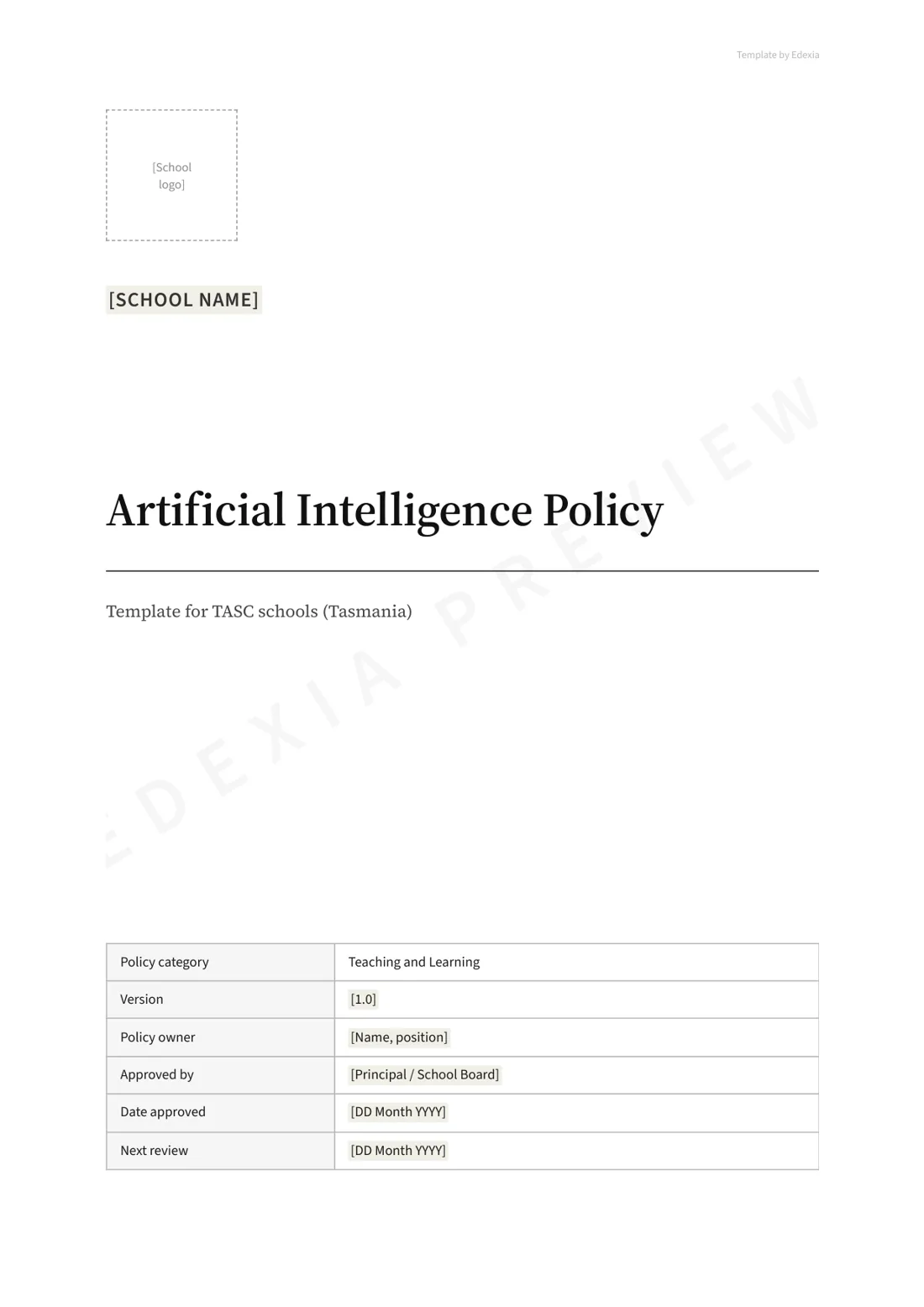
Get the template for your school
We'll email you the full policy as an editable Word document and a PDF, without the watermark.
Learn how other schools are approaching AI policyTrusted by 50+ schools around Australia






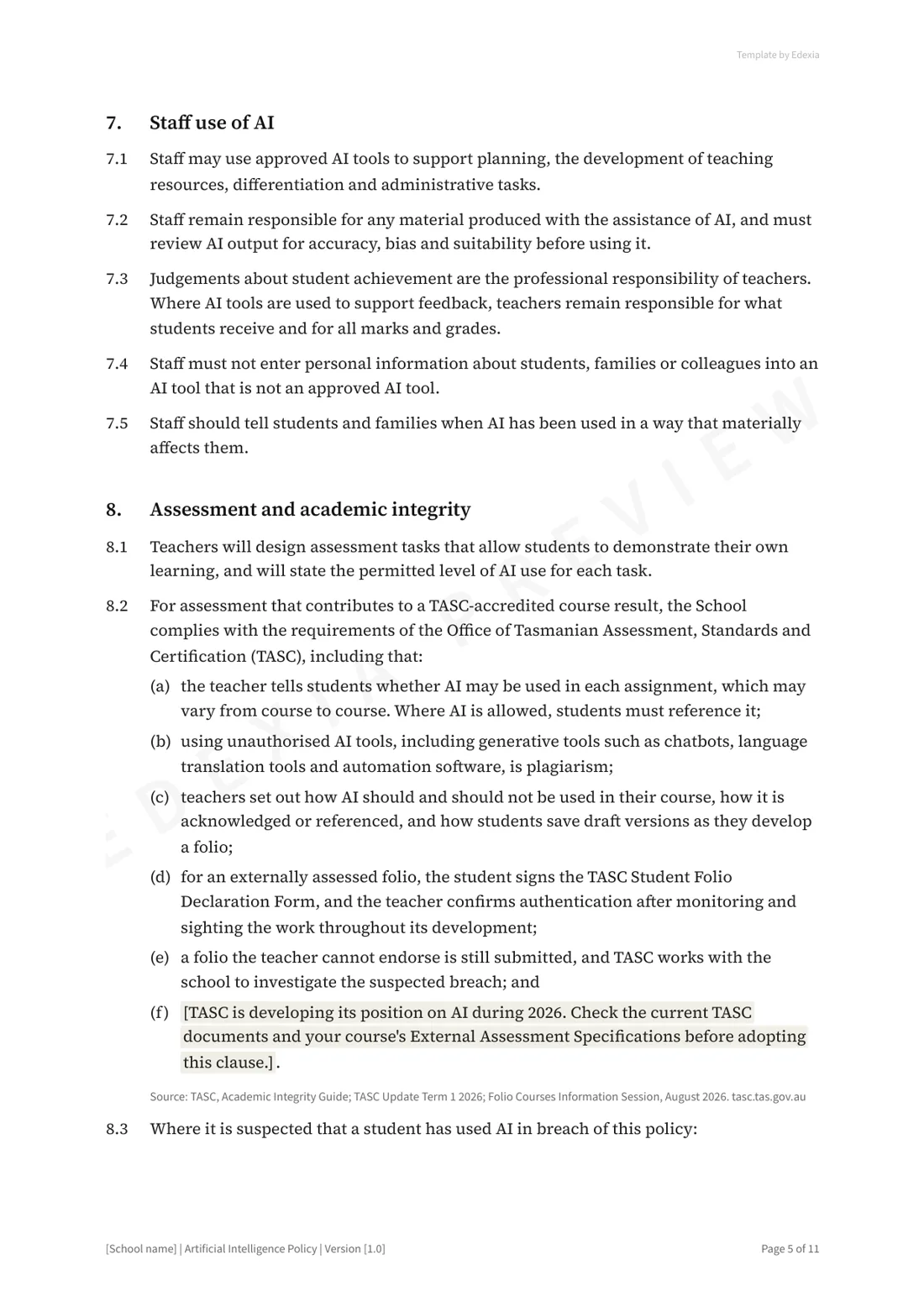
What TASC requires
- The teacher decides whether AI may be used in each assignment, and this varies from course to course. Where AI is allowed, students must reference it.
- Using unauthorised AI tools, including chatbots, translation tools and automation software, is plagiarism.
- Teachers should set out how AI may and may not be used in their course, how to acknowledge it, and how students save draft versions as they build a folio.
- For externally assessed folios, the student declares the work is their own, and the teacher confirms it after monitoring and sighting the work as it developed. English Studio folios must not use AI at all.
- A folio the teacher cannot endorse is still submitted, and TASC works with the school to investigate the suspected breach.
- TASC has not yet set a system-wide position on AI. It is gathering teacher and stakeholder views during 2026 to decide how AI fits into its policies.
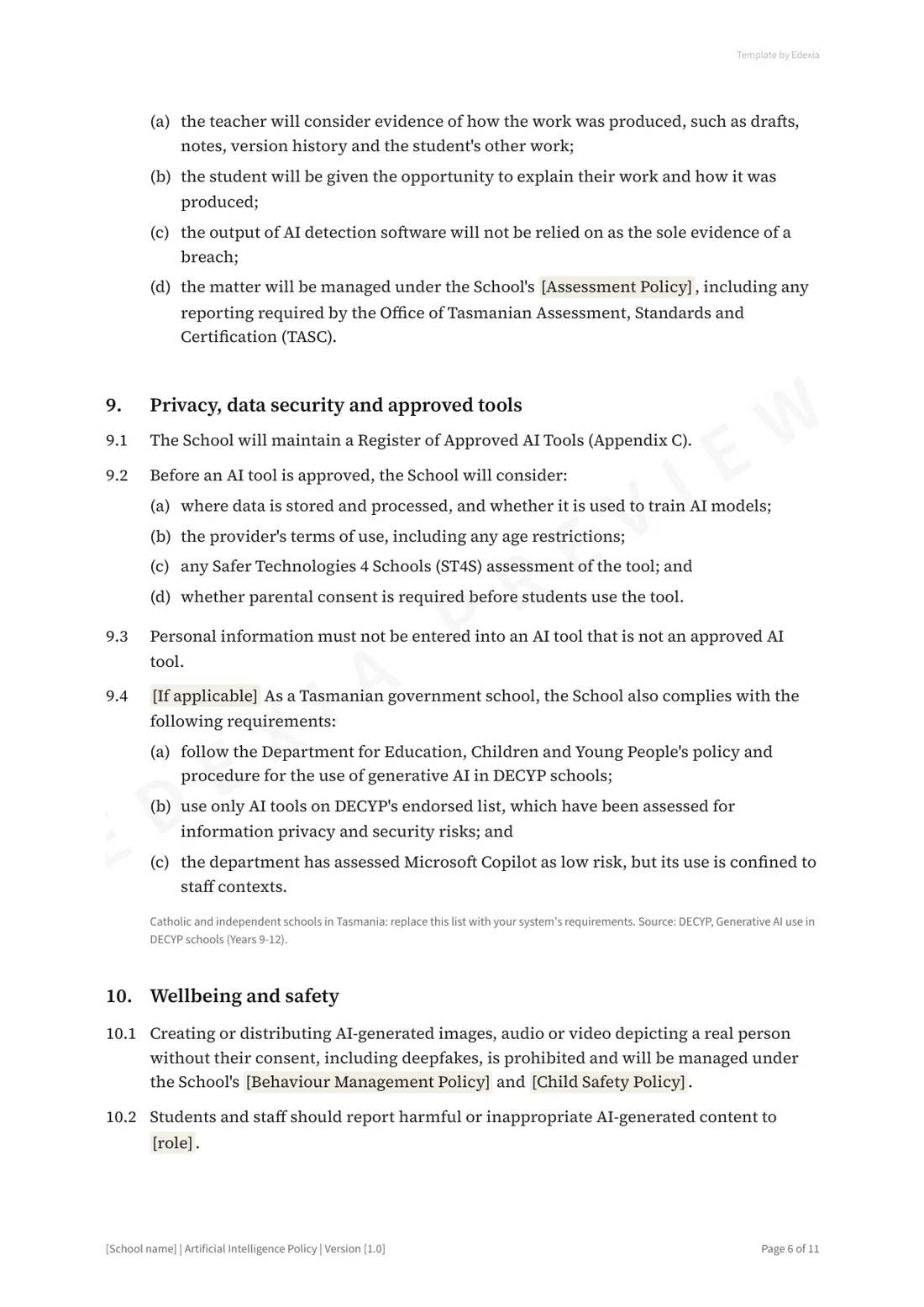
Tasmanian government schools
- DECYP has a policy and procedure for generative AI in its schools, developed in response to the Australian Framework.
- DECYP keeps a list of endorsed AI tools on its staff intranet, each assessed for privacy and security risks.
- Microsoft Copilot has been assessed as low risk, but its use is limited to staff.
Catholic and independent schools set their own requirements, and the template marks this clause for them to replace.
An AI level for every task
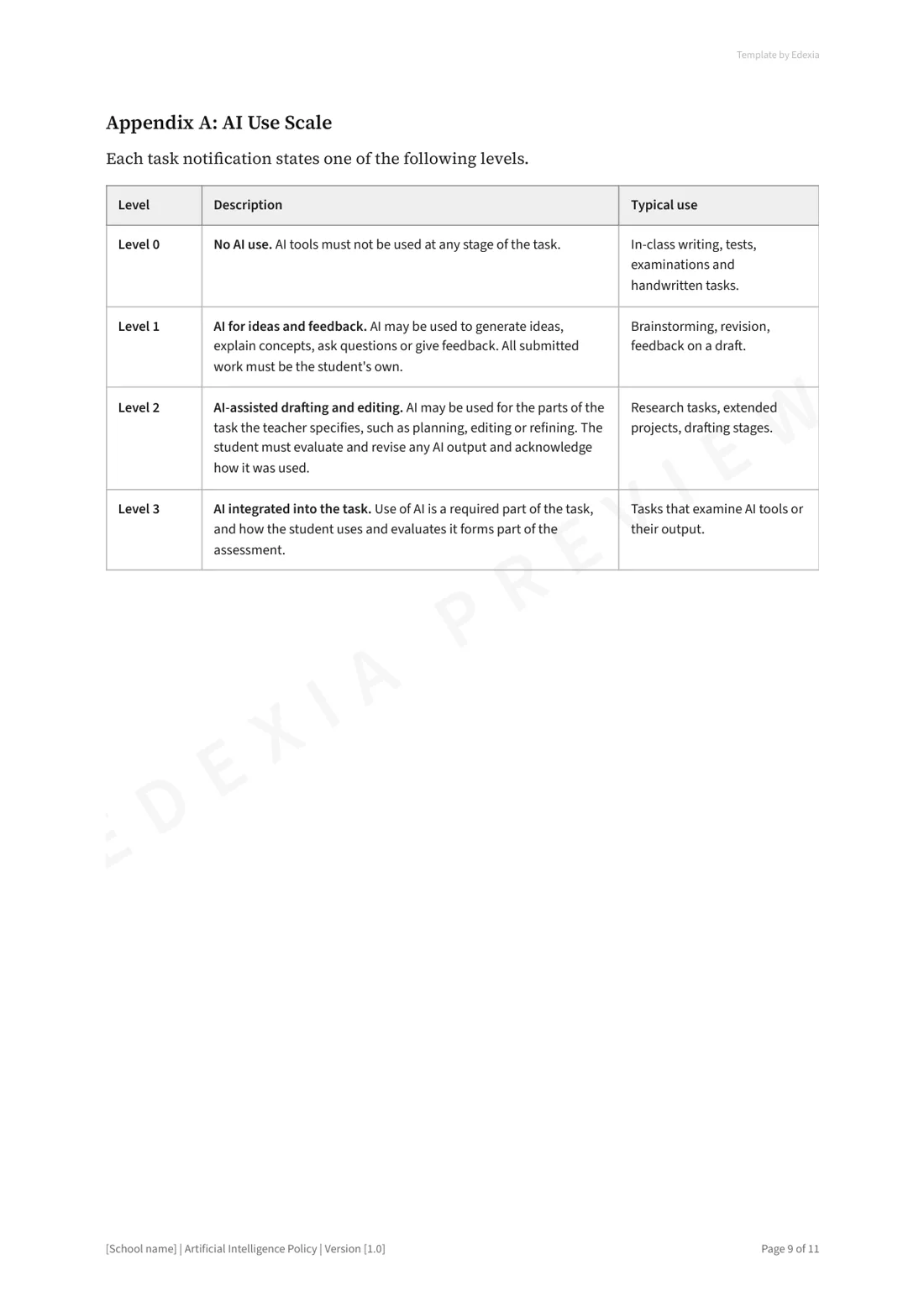
Whether AI is allowed depends on the task, so every task sheet states one of four levels. Where no level is stated, no AI use is permitted.
- Level 0
No AI use
AI tools must not be used at any stage. Typical for in-class writing, tests, exams and handwritten work.
- Level 1
AI for ideas and feedback
AI may be used to generate ideas, explain concepts, ask questions or give feedback. All submitted work is the student's own.
- Level 2
AI-assisted drafting and editing
AI may be used for the parts of the task the teacher specifies, such as planning or editing. The student revises any AI output and acknowledges how it was used.
- Level 3
AI integrated into the task
Using AI is a required part of the task, and how the student uses and evaluates it is assessed.
What the policy covers
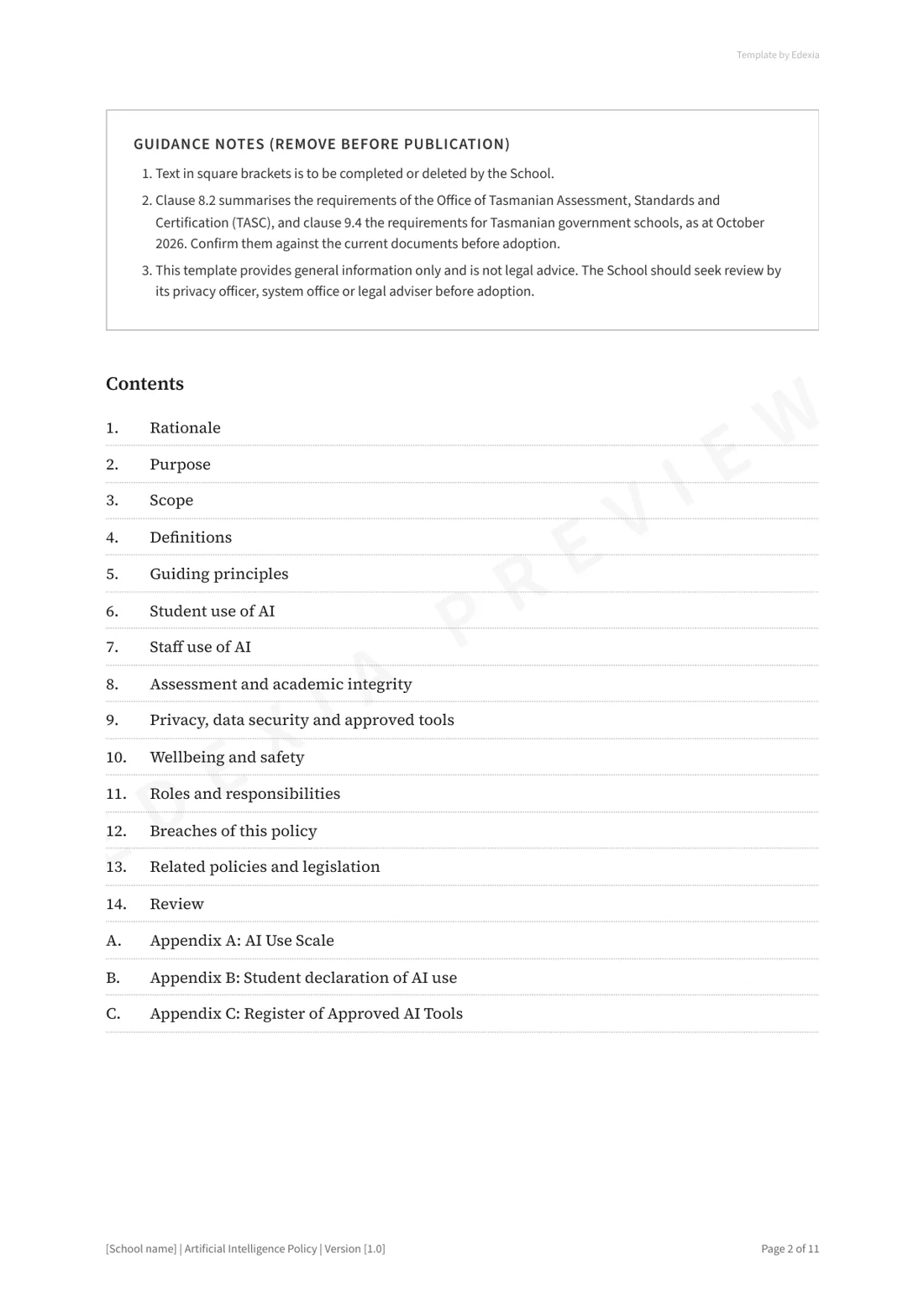
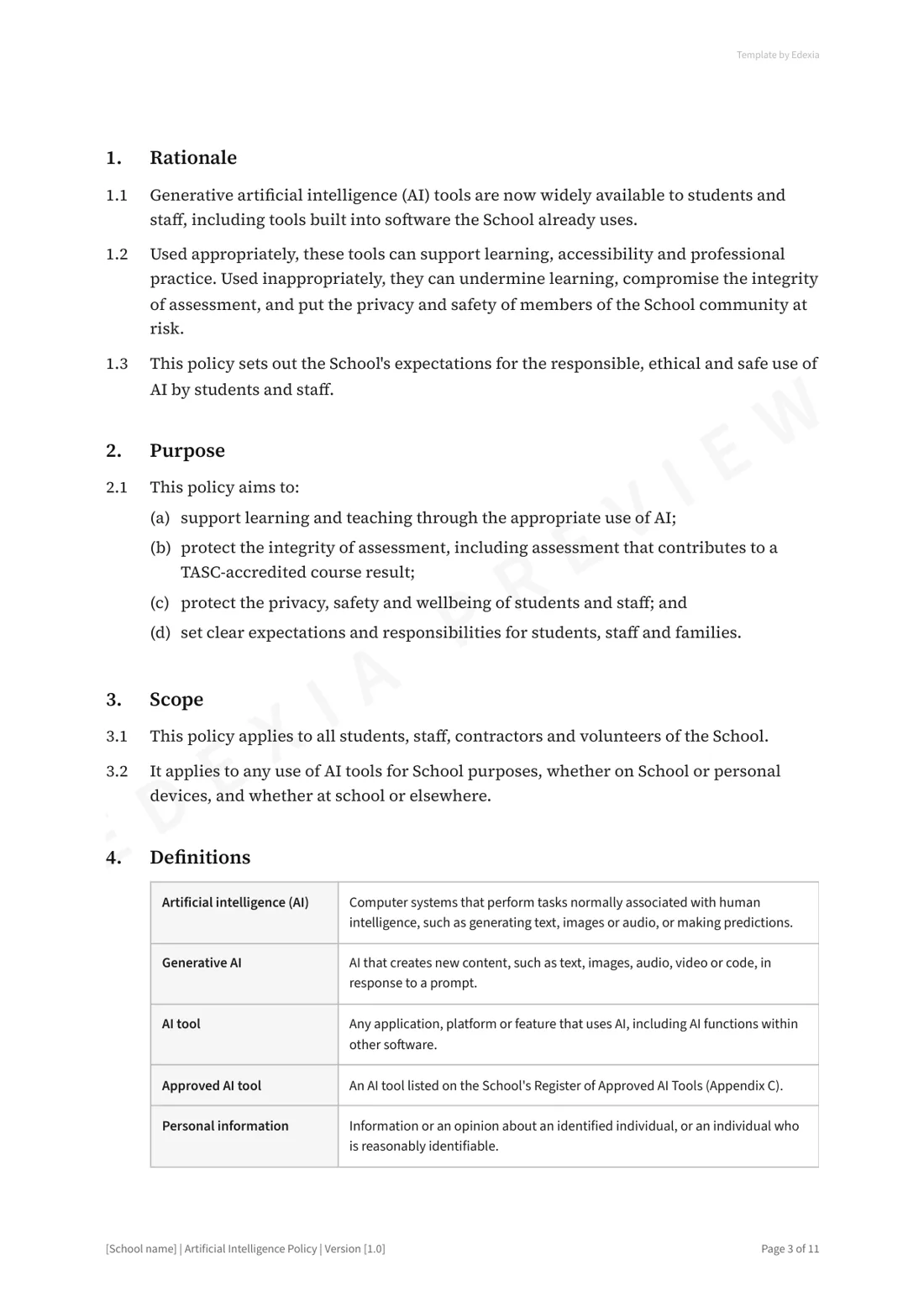
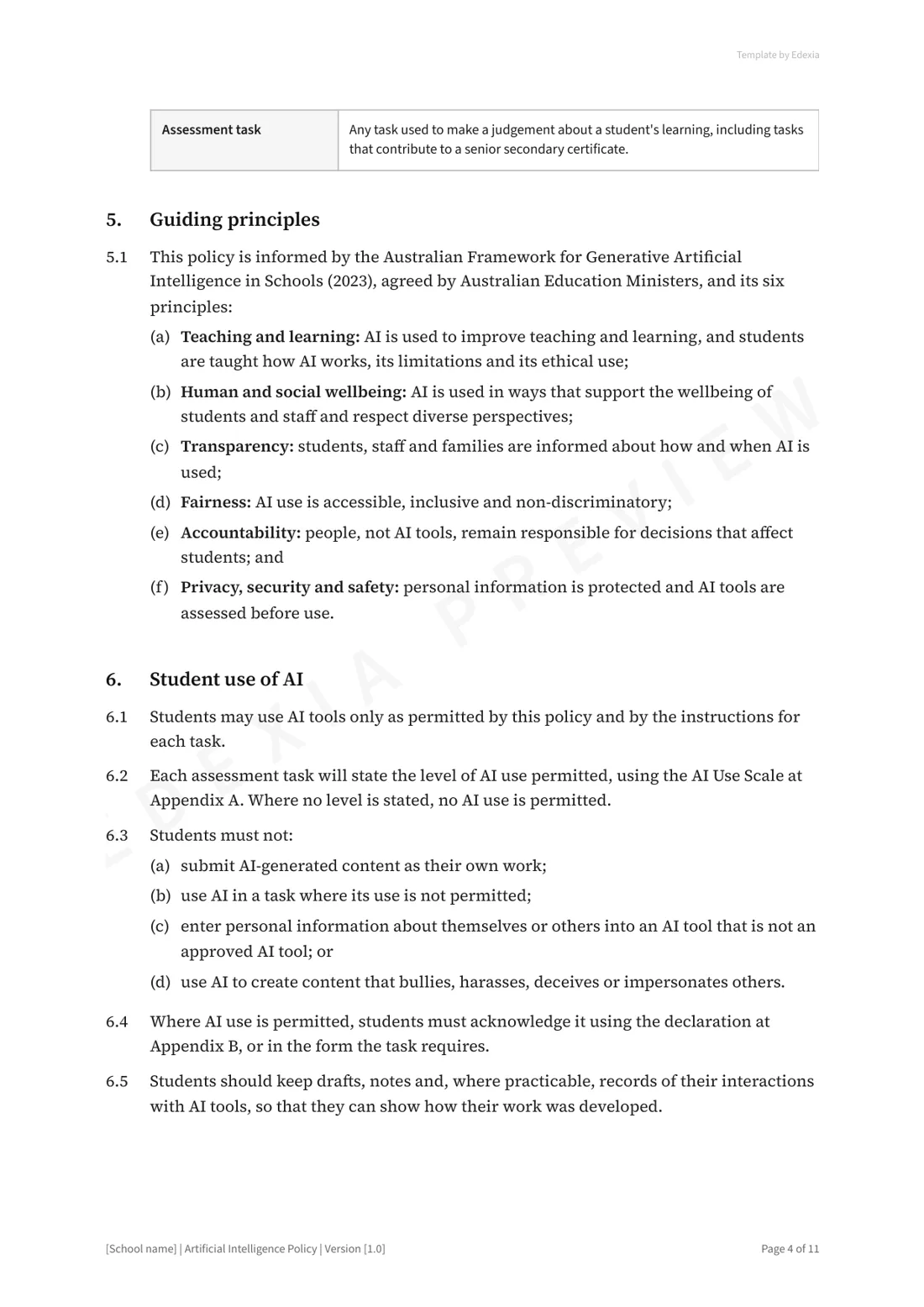
- Rationale, purpose, scope and definitions
- Student use of AI, with an AI level for every task
- Staff use of AI
- Assessment and academic integrity, including how suspected misuse is handled
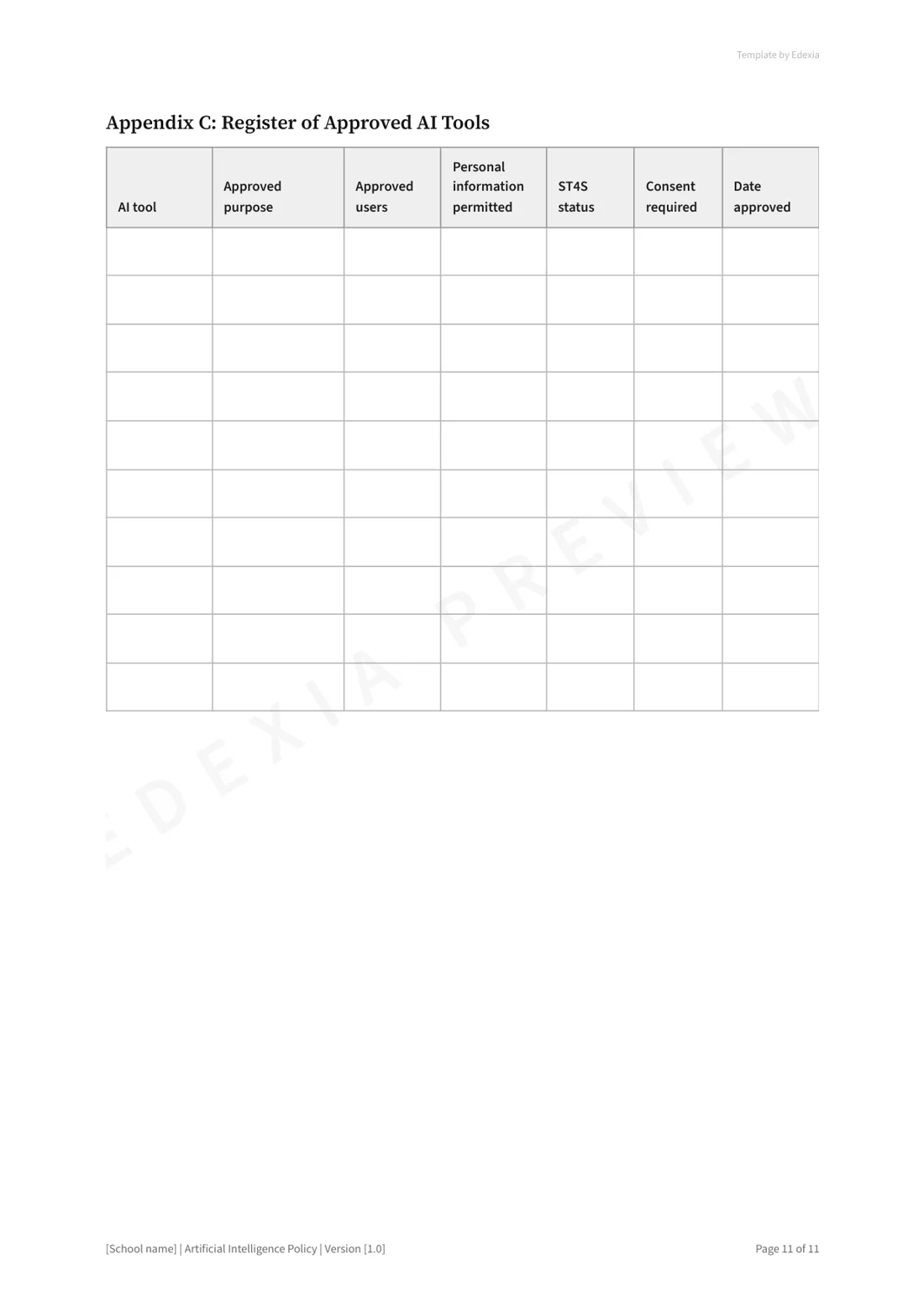
- Privacy, data security and a register of approved tools
- Wellbeing and safety, including deepfakes
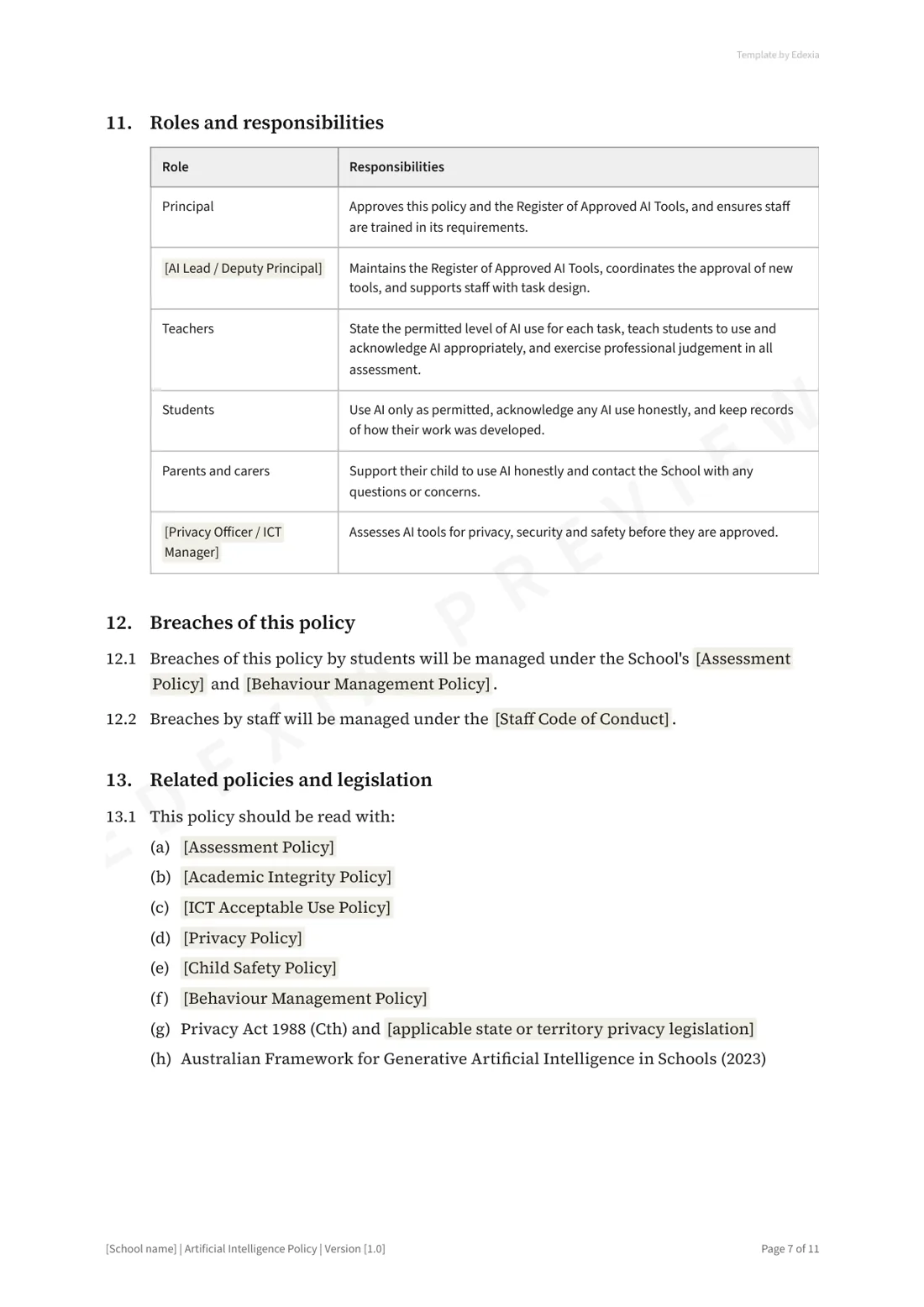
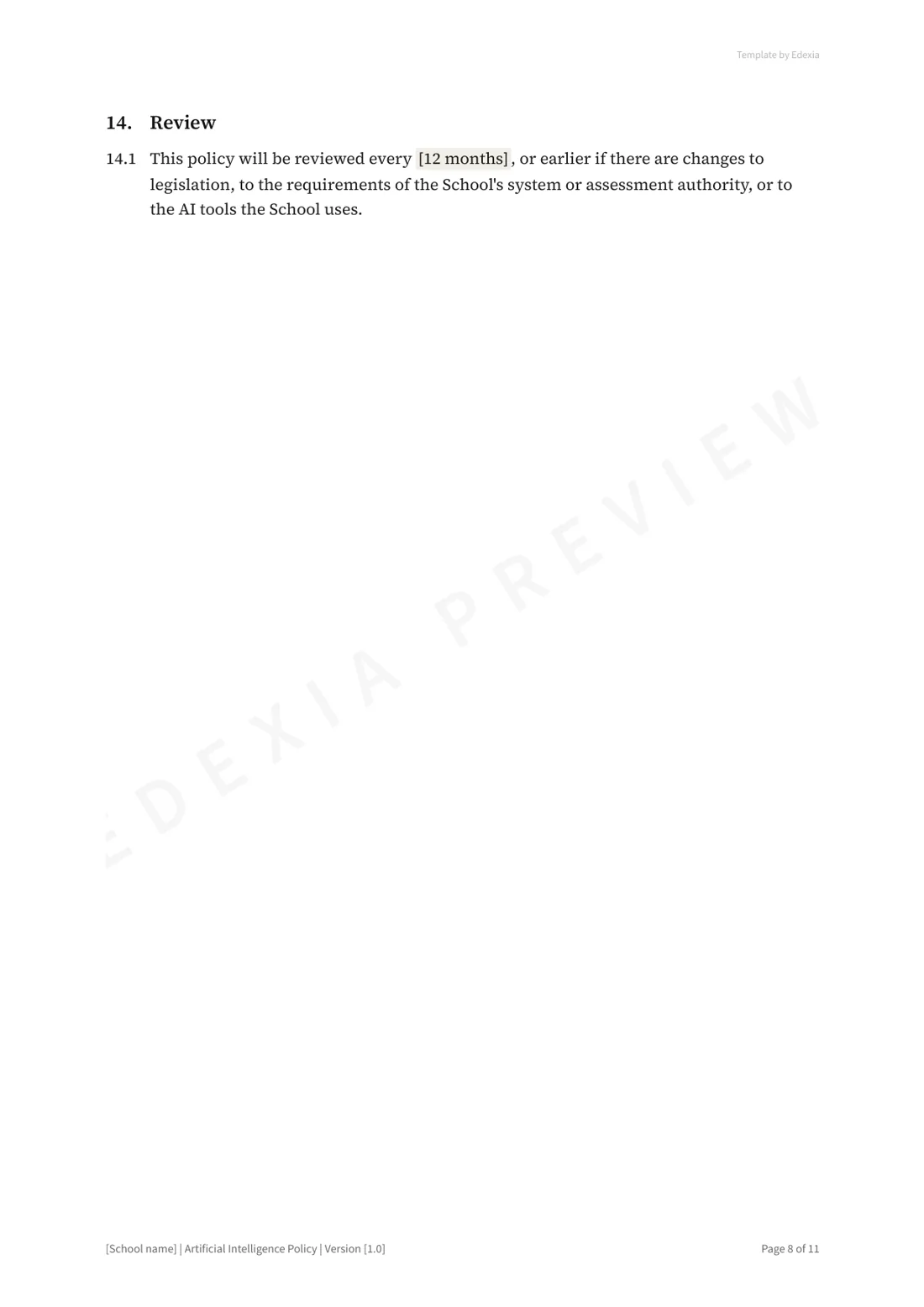
- Roles and responsibilities, breaches, related policies and review
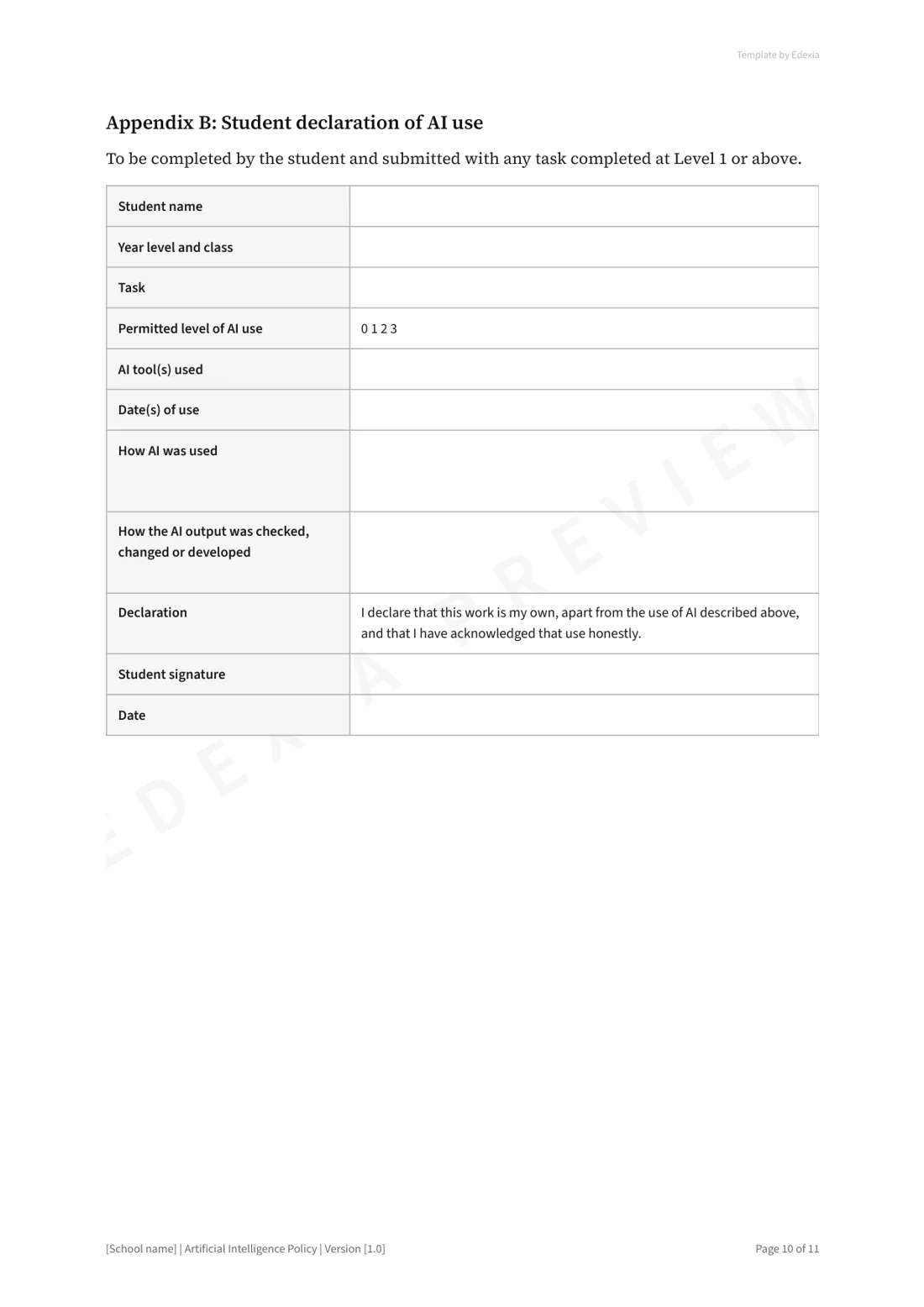
- Appendices: the AI Use Scale, a student declaration of AI use, and the tools register
Rolling it out
- Complete the fields in square brackets and your system's requirements.
- Ask a few teachers to set an AI level on their next task, and fix what was unclear.
- Talk to students before you publish.
- Send families a short summary of the AI levels.
- Train staff, and review the policy after one term.
Sources: TASC, Academic Integrity Guide · TASC Update, Term 1 2026 · TASC, Folio courses information session, August 2026 · TASC, English Studio folio declaration form 2026 · DECYP, Generative AI use in DECYP schools · Australian Framework for Generative AI in Schools. The template is general information, not legal advice. Edexia is independent and is not affiliated with or endorsed by VCAA, NESA, QCAA, SCSA, the SACE Board, TASC, the BSSS, the NT Board of Studies, the IB, College Board or any education department.
Want someone to look over your draft?
We review AI policies for schools at no cost. Send us your draft and we'll talk it through with you.