AI policy for SACE schools
An AI policy your school can adopt, with the SACE Board's rules on AI in assessment included.
Get the template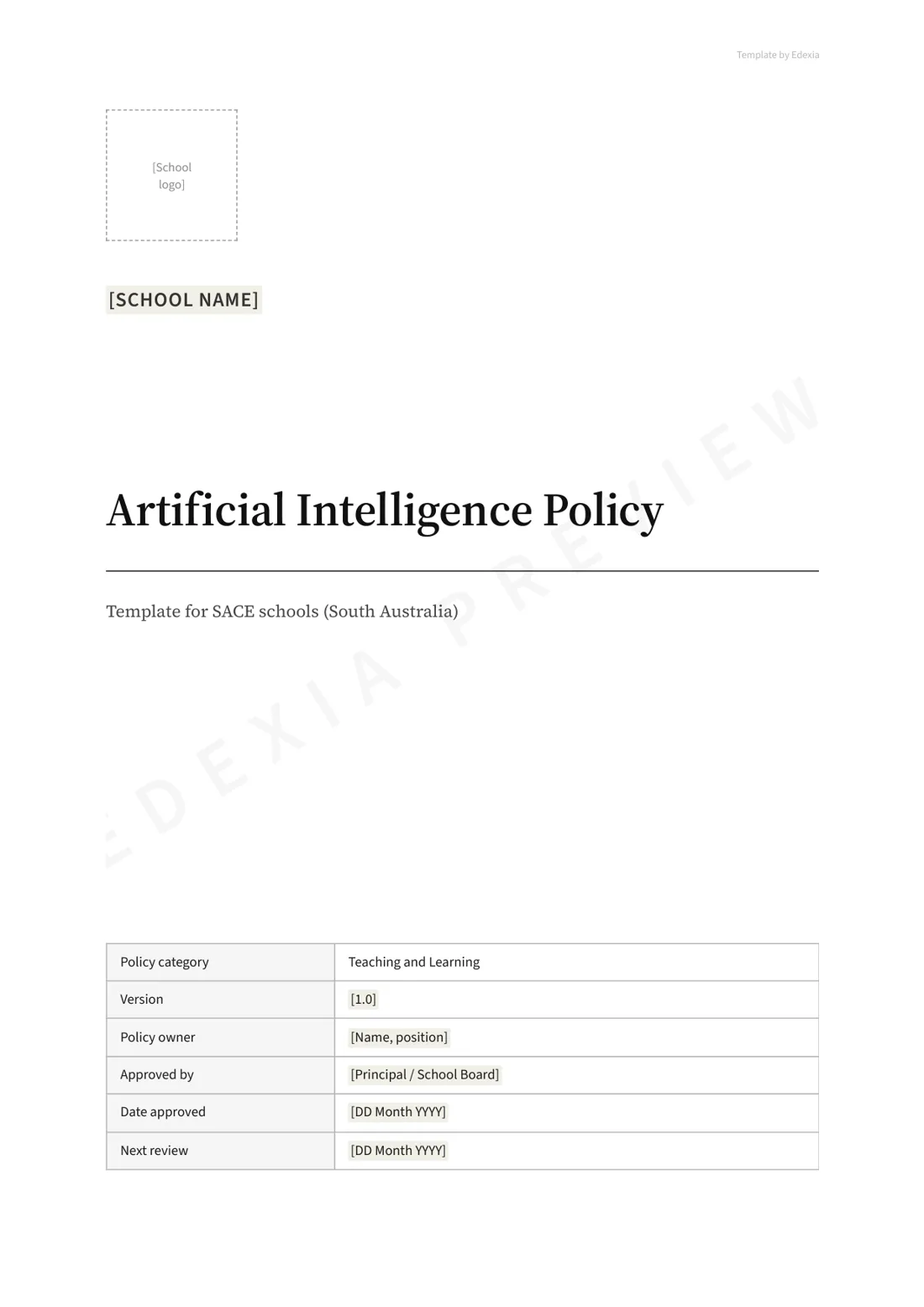
Get the template for your school
We'll email you the full policy as an editable Word document and a PDF, without the watermark.
Learn how other schools are approaching AI policyTrusted by 50+ schools around Australia






What the SACE Board requires
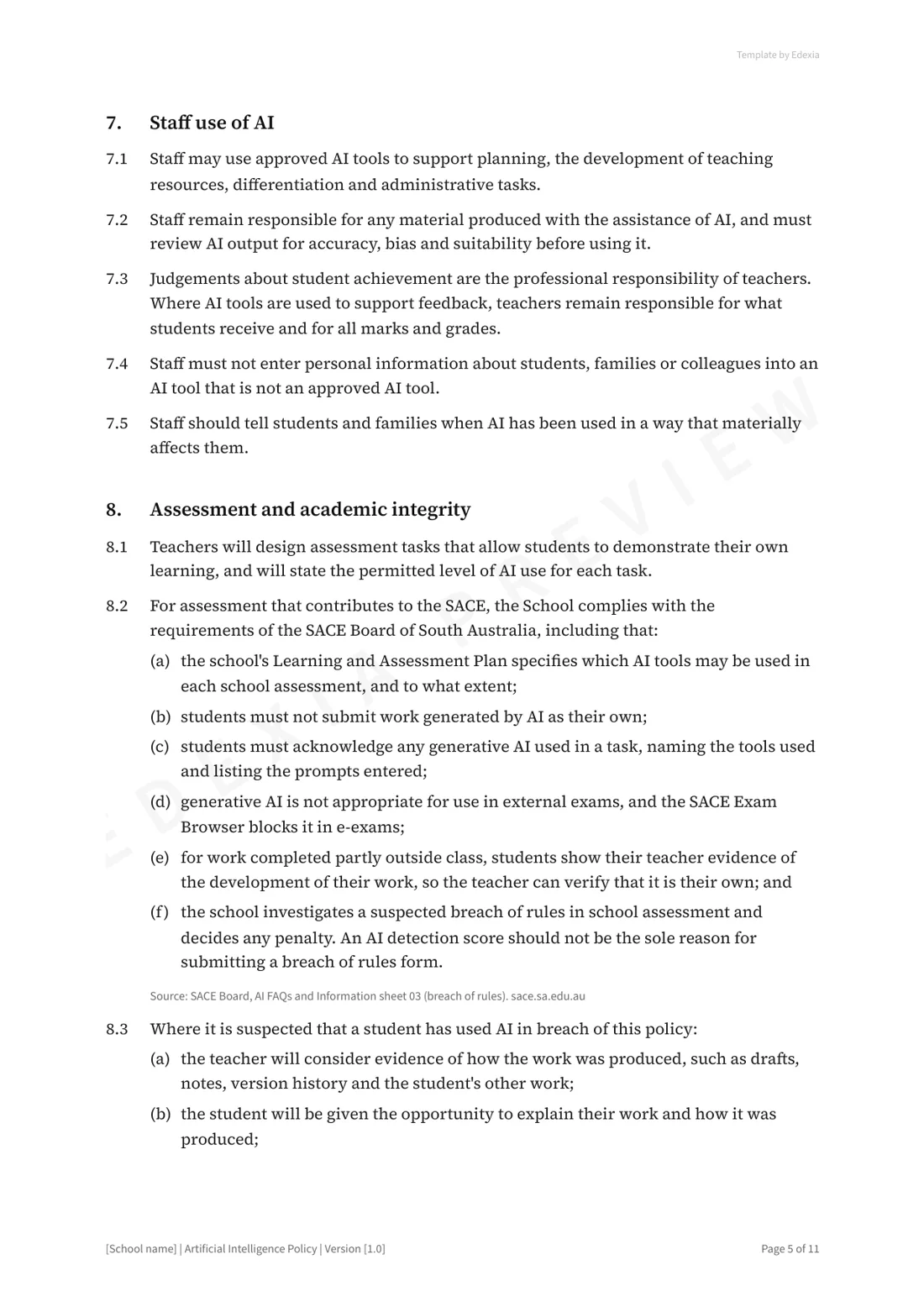
- Each school's Learning and Assessment Plan specifies which AI tools may be used in a school assessment, and to what extent.
- Students must not submit work generated by AI as their own.
- Students must acknowledge any generative AI they use in a task, naming the tools and listing the prompts they entered.
- Generative AI is not appropriate in external exams, and the SACE Exam Browser blocks it in e-exams.
- For work done partly outside class, students show their teacher evidence of how the work developed, so the teacher can verify it is their own.
- The school investigates a suspected breach in school assessment and decides any penalty. An AI detection score should not be the sole reason for a breach of rules.
South Australian public schools
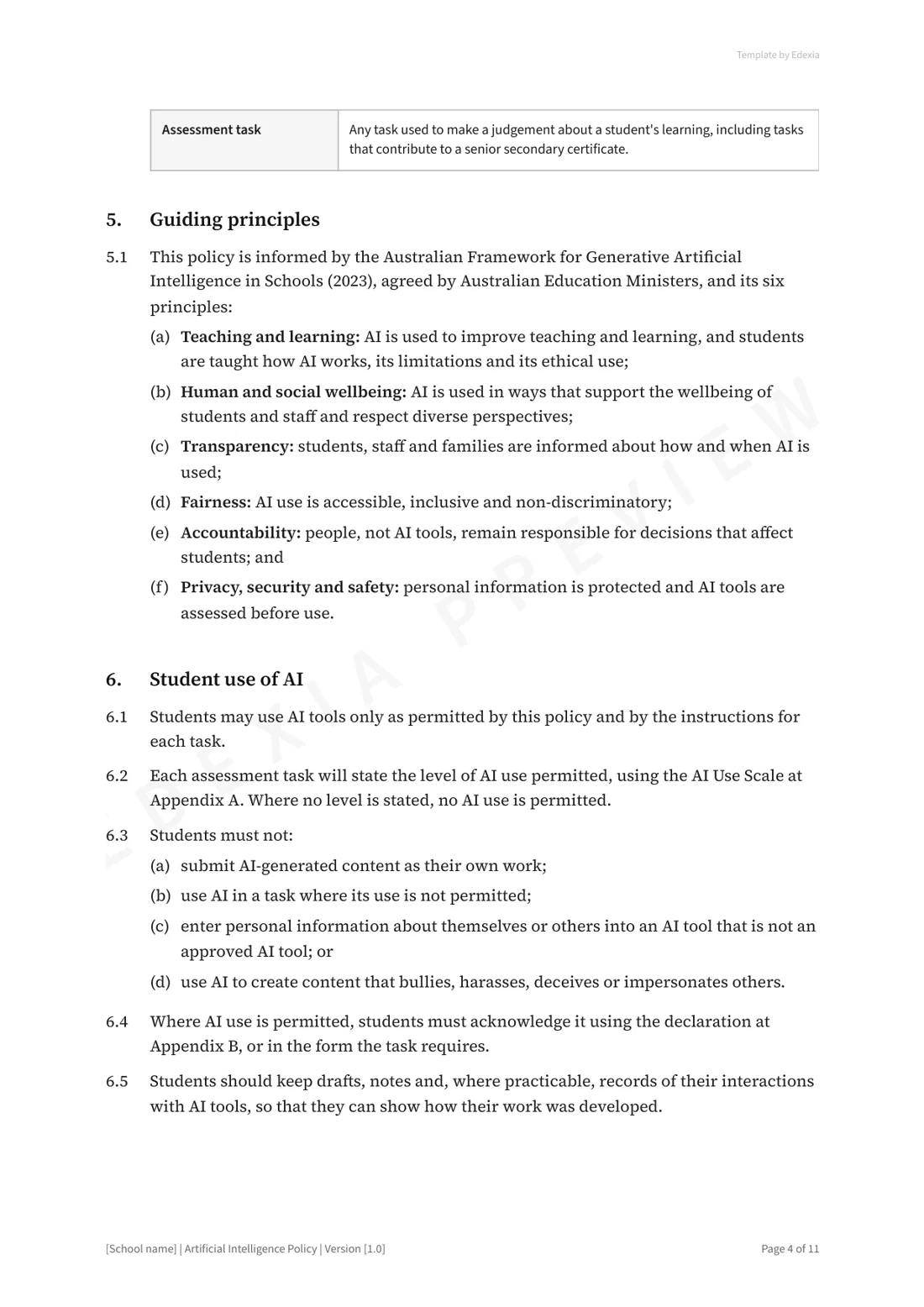
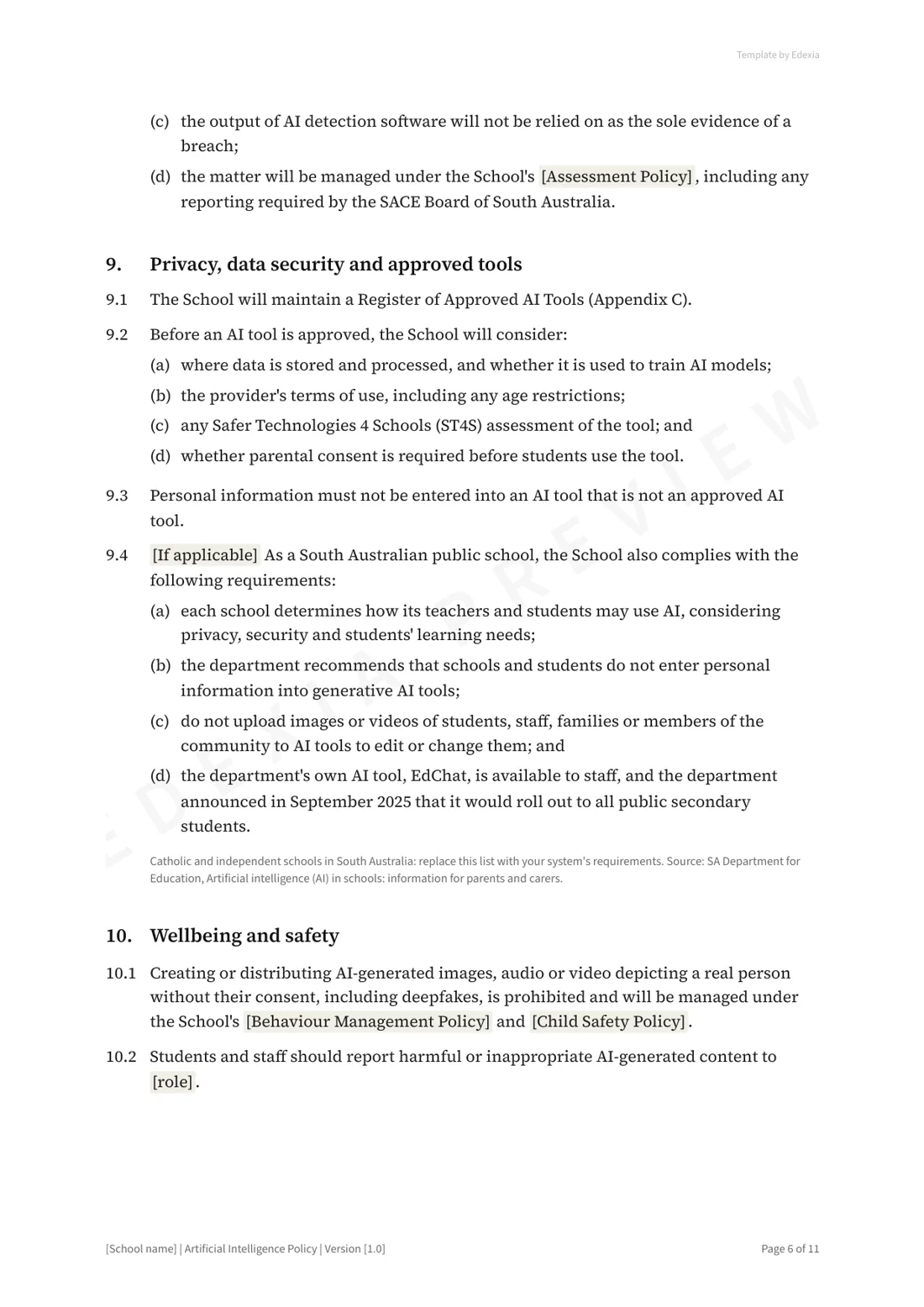
- Each school decides how its teachers and students may use AI, considering privacy, security and students' learning needs.
- The department recommends that schools and students don't enter personal information into generative AI tools.
- Images or videos of students, staff, families or members of the community shouldn't be uploaded to AI tools to edit or change.
- EdChat, the department's own AI tool, is available to all staff. In September 2025 the department announced it would roll out to all public secondary students from the following term.
Catholic and independent schools set their own requirements, and the template marks this clause for them to replace.
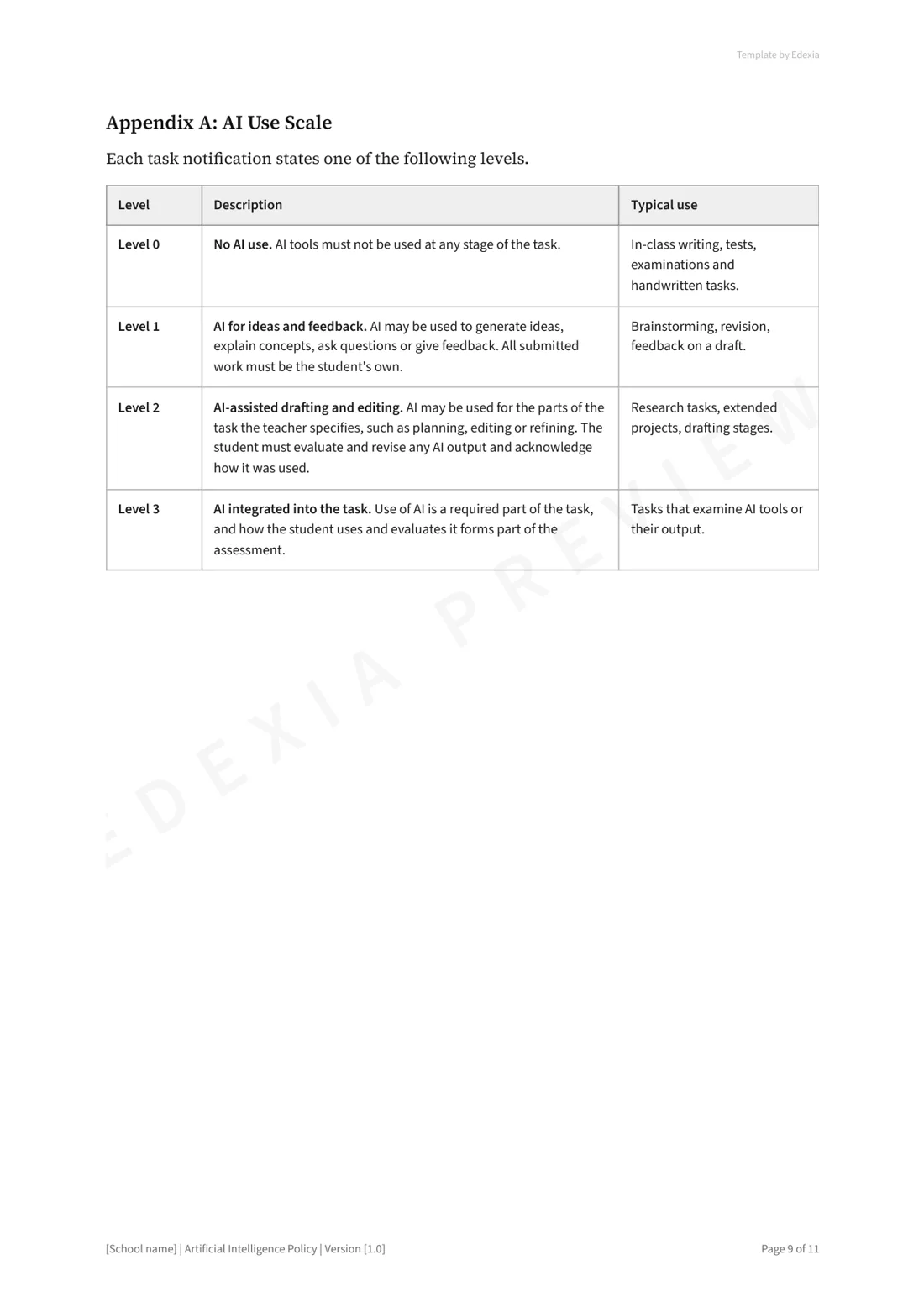
An AI level for every task
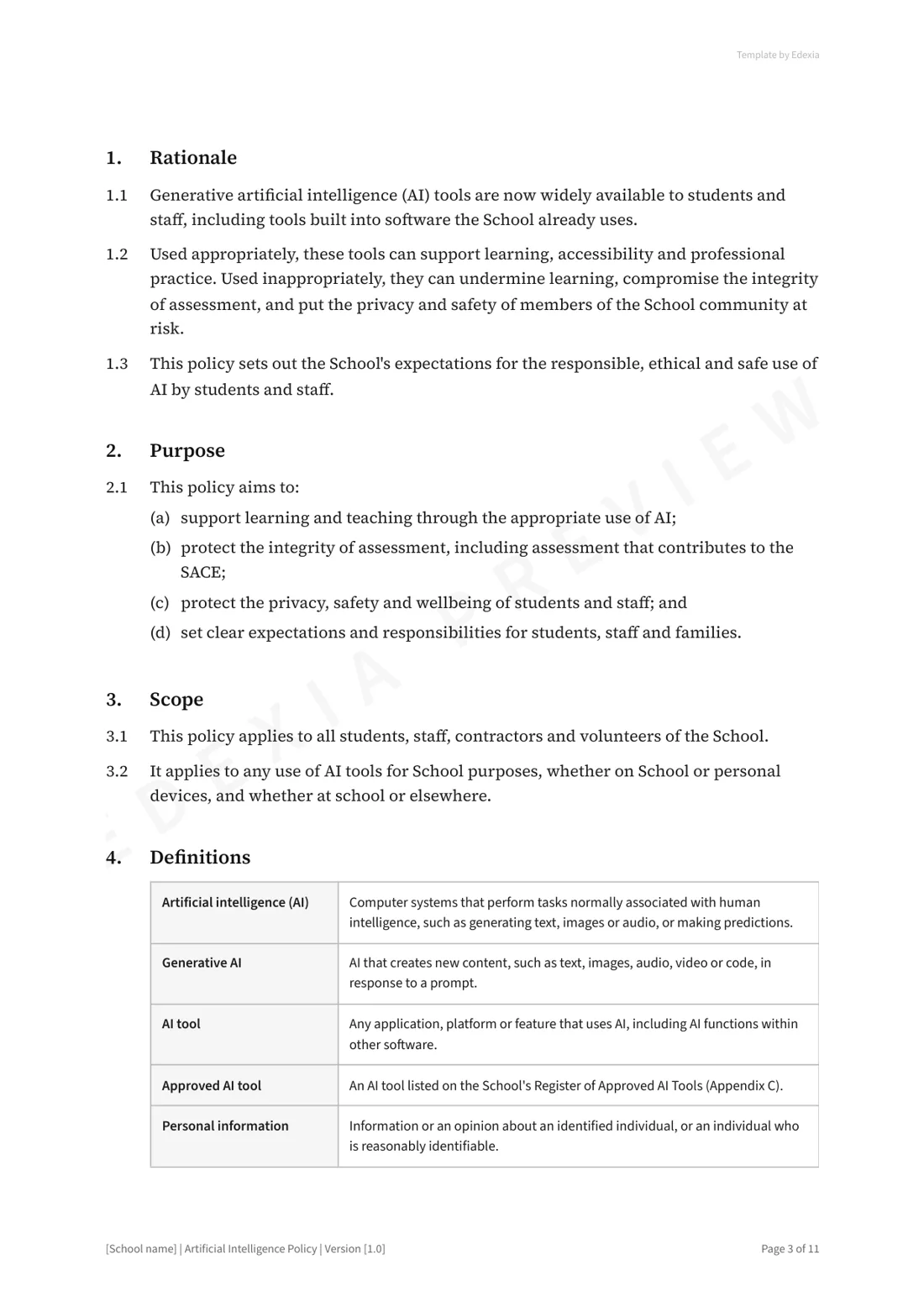
Whether AI is allowed depends on the task, so every task sheet states one of four levels. Where no level is stated, no AI use is permitted.
- Level 0
No AI use
AI tools must not be used at any stage. Typical for in-class writing, tests, exams and handwritten work.
- Level 1
AI for ideas and feedback
AI may be used to generate ideas, explain concepts, ask questions or give feedback. All submitted work is the student's own.
- Level 2
AI-assisted drafting and editing
AI may be used for the parts of the task the teacher specifies, such as planning or editing. The student revises any AI output and acknowledges how it was used.
- Level 3
AI integrated into the task
Using AI is a required part of the task, and how the student uses and evaluates it is assessed.
What the policy covers
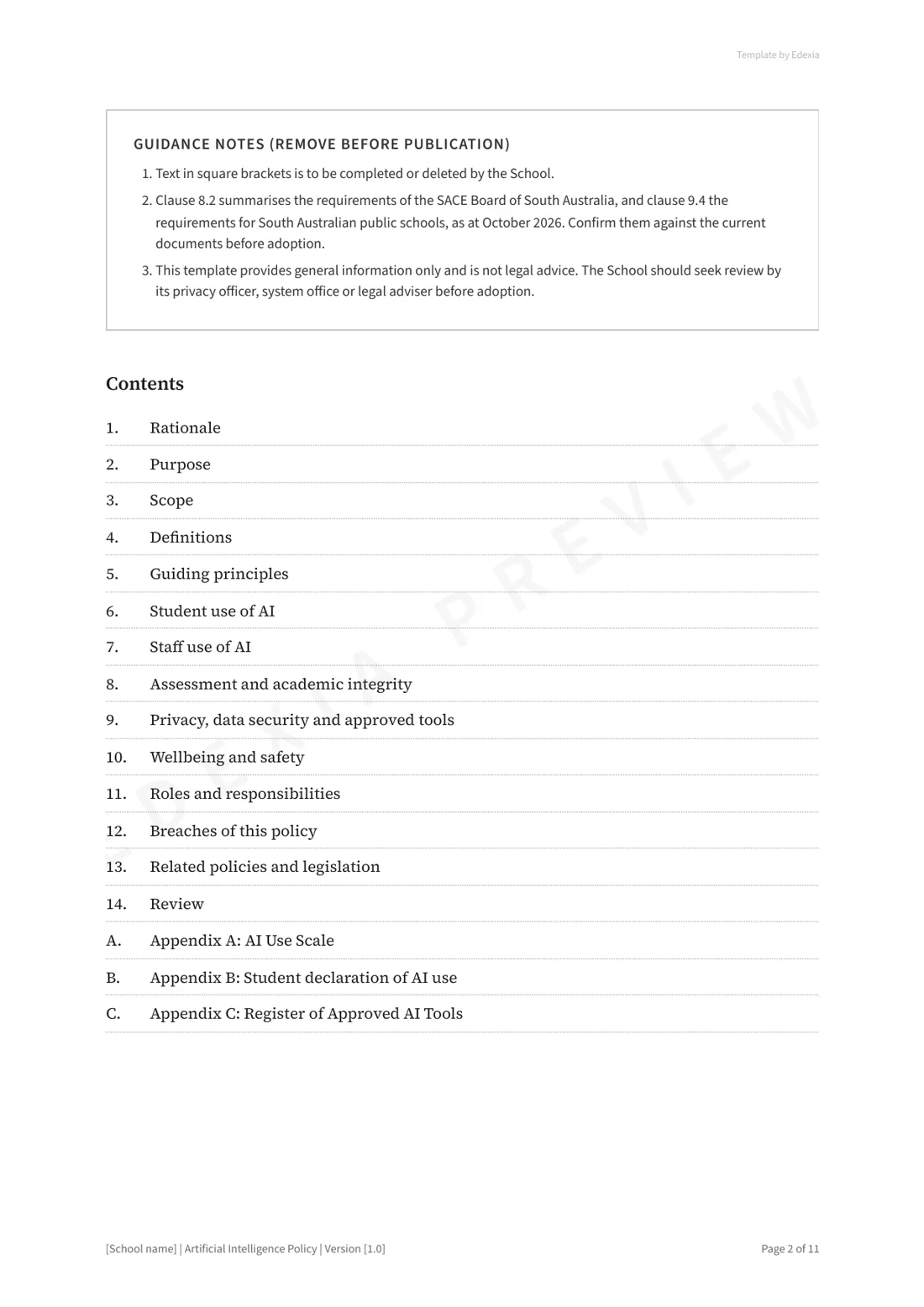
- Rationale, purpose, scope and definitions
- Student use of AI, with an AI level for every task
- Staff use of AI
- Assessment and academic integrity, including how suspected misuse is handled
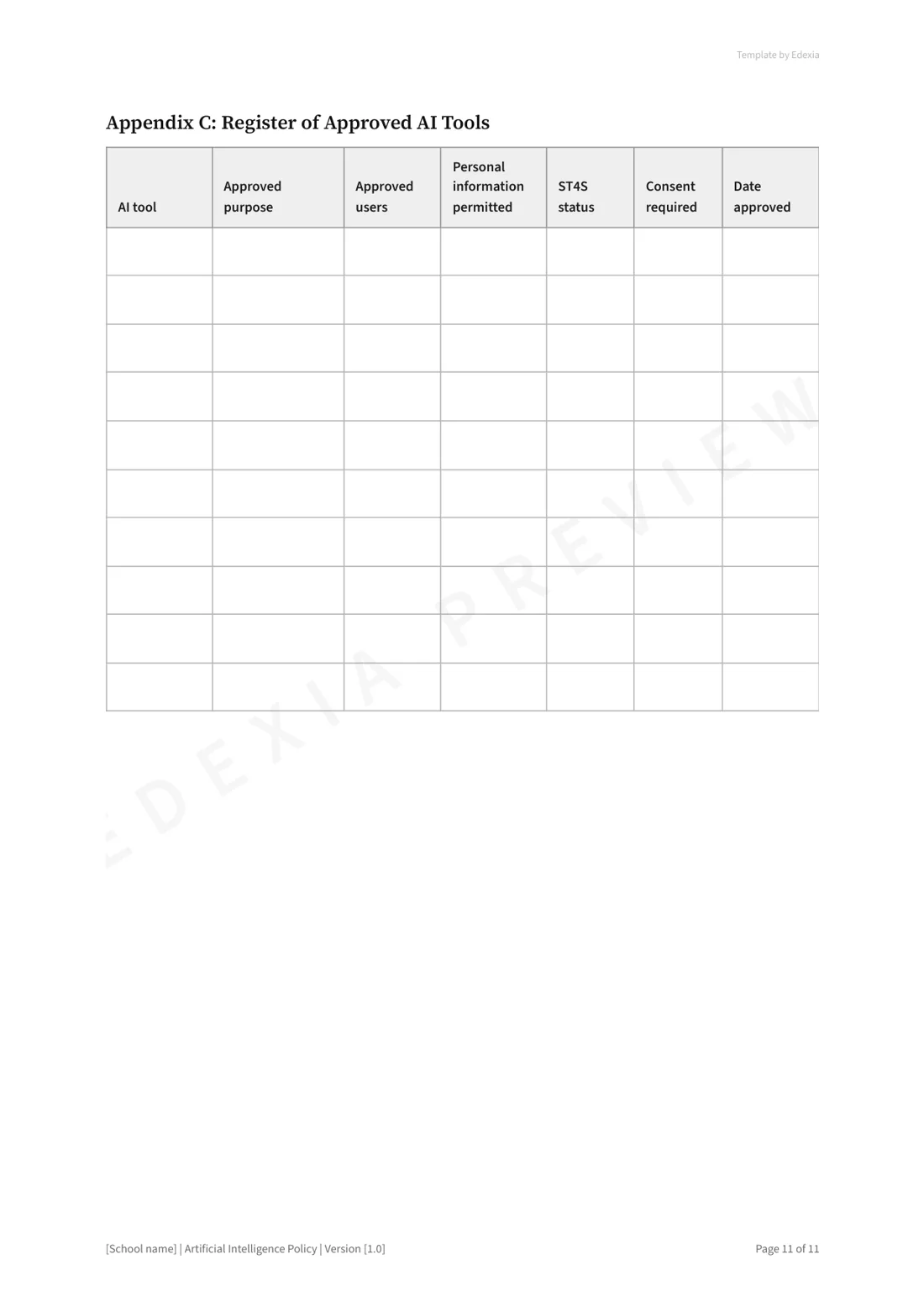
- Privacy, data security and a register of approved tools
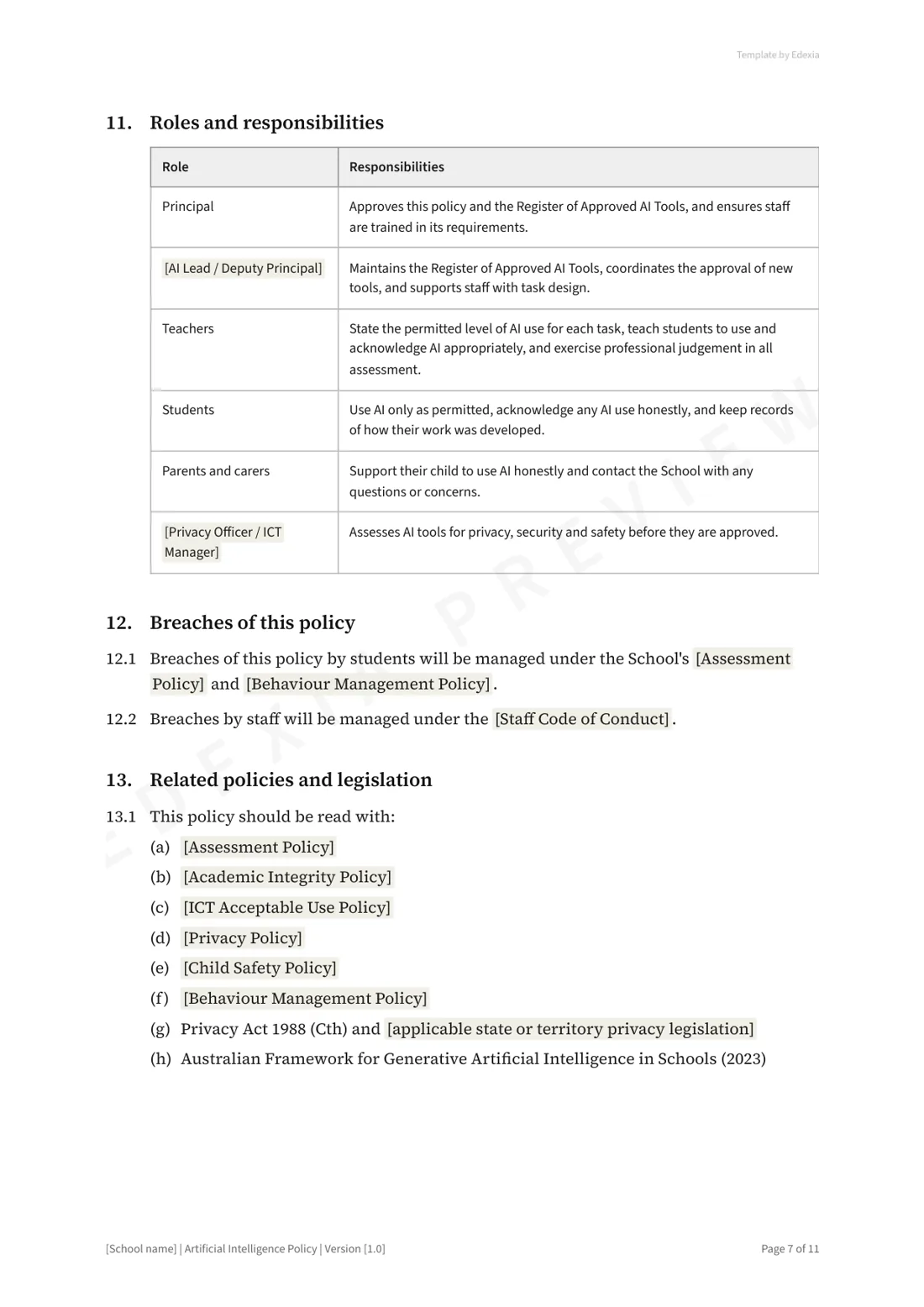
- Wellbeing and safety, including deepfakes
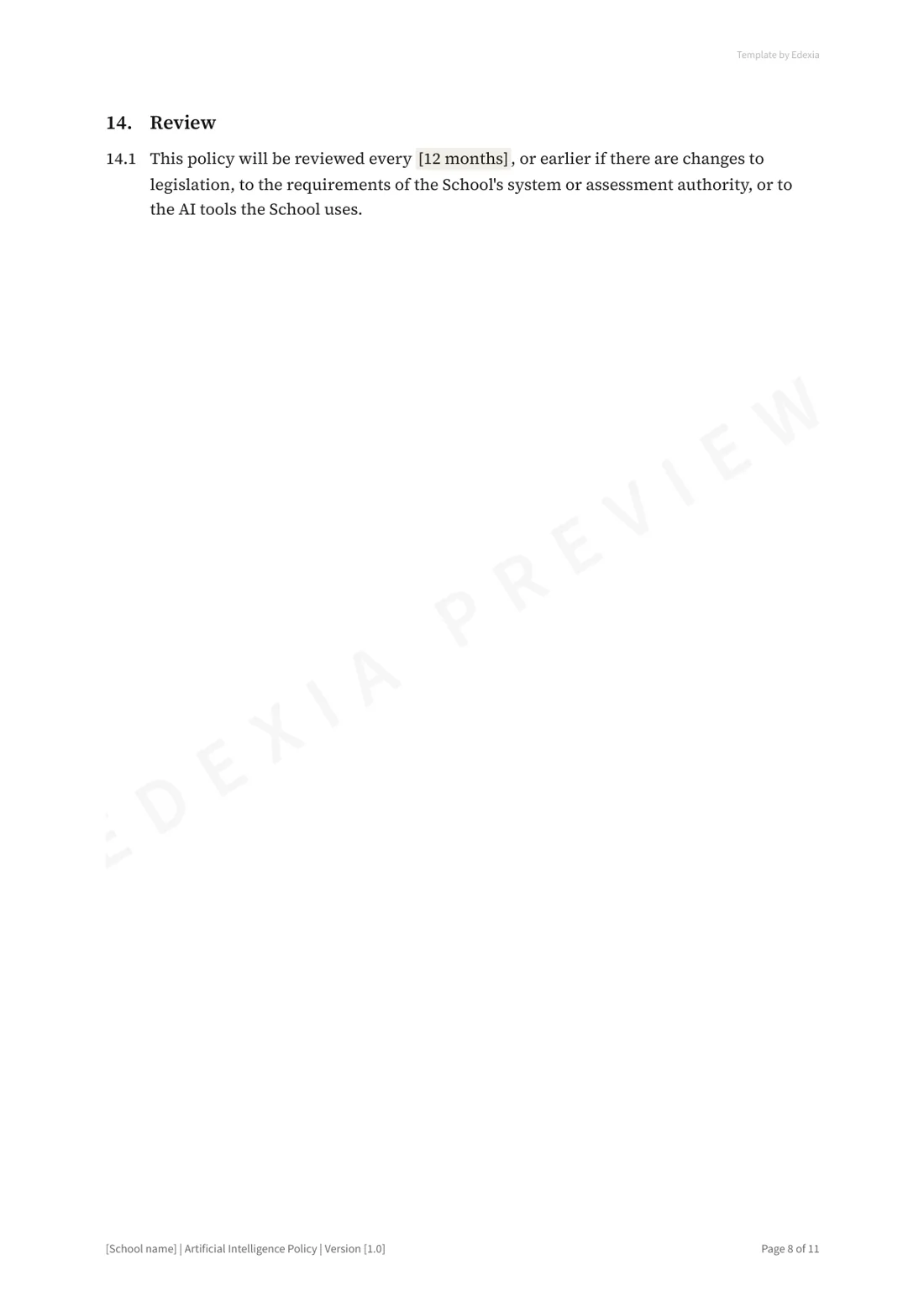
- Roles and responsibilities, breaches, related policies and review
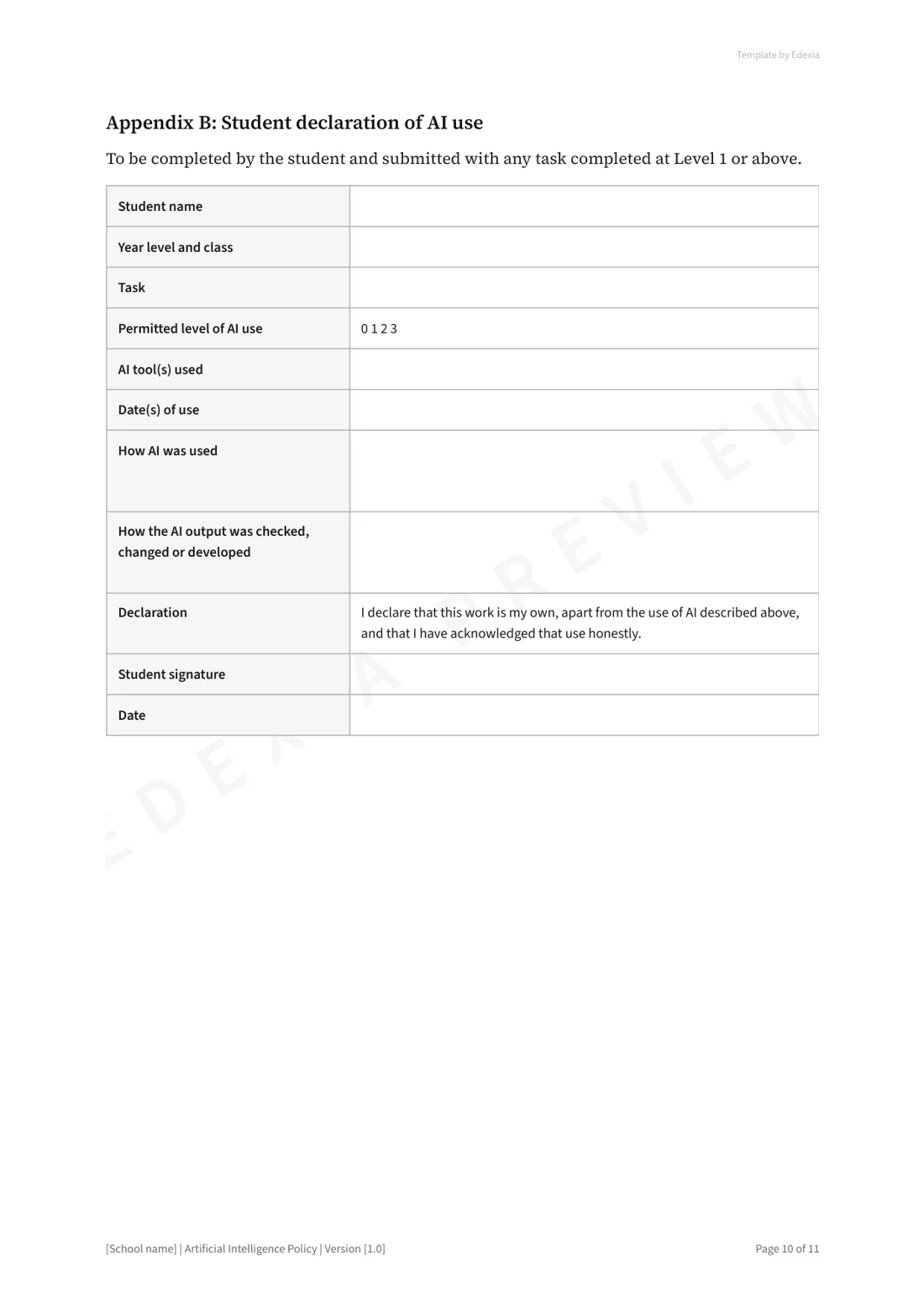
- Appendices: the AI Use Scale, a student declaration of AI use, and the tools register
Rolling it out
- Complete the fields in square brackets and your system's requirements.
- Ask a few teachers to set an AI level on their next task, and fix what was unclear.
- Talk to students before you publish.
- Send families a short summary of the AI levels.
- Train staff, and review the policy after one term.
Sources: SACE Board, AI FAQs · SACE Board, Breach of rules information sheet · SA Department for Education, AI in schools: information for parents and carers · SA Department for Education, AI tool to roll out to all public high schools · Australian Framework for Generative AI in Schools. The template is general information, not legal advice. Edexia is independent and is not affiliated with or endorsed by VCAA, NESA, QCAA, SCSA, the SACE Board, TASC, the BSSS, the NT Board of Studies, the IB, College Board or any education department.
Want someone to look over your draft?
We review AI policies for schools at no cost. Send us your draft and we'll talk it through with you.