AI policy for HSC schools
An AI policy your school can adopt, with NESA's rules for HSC assessment included.
Get the template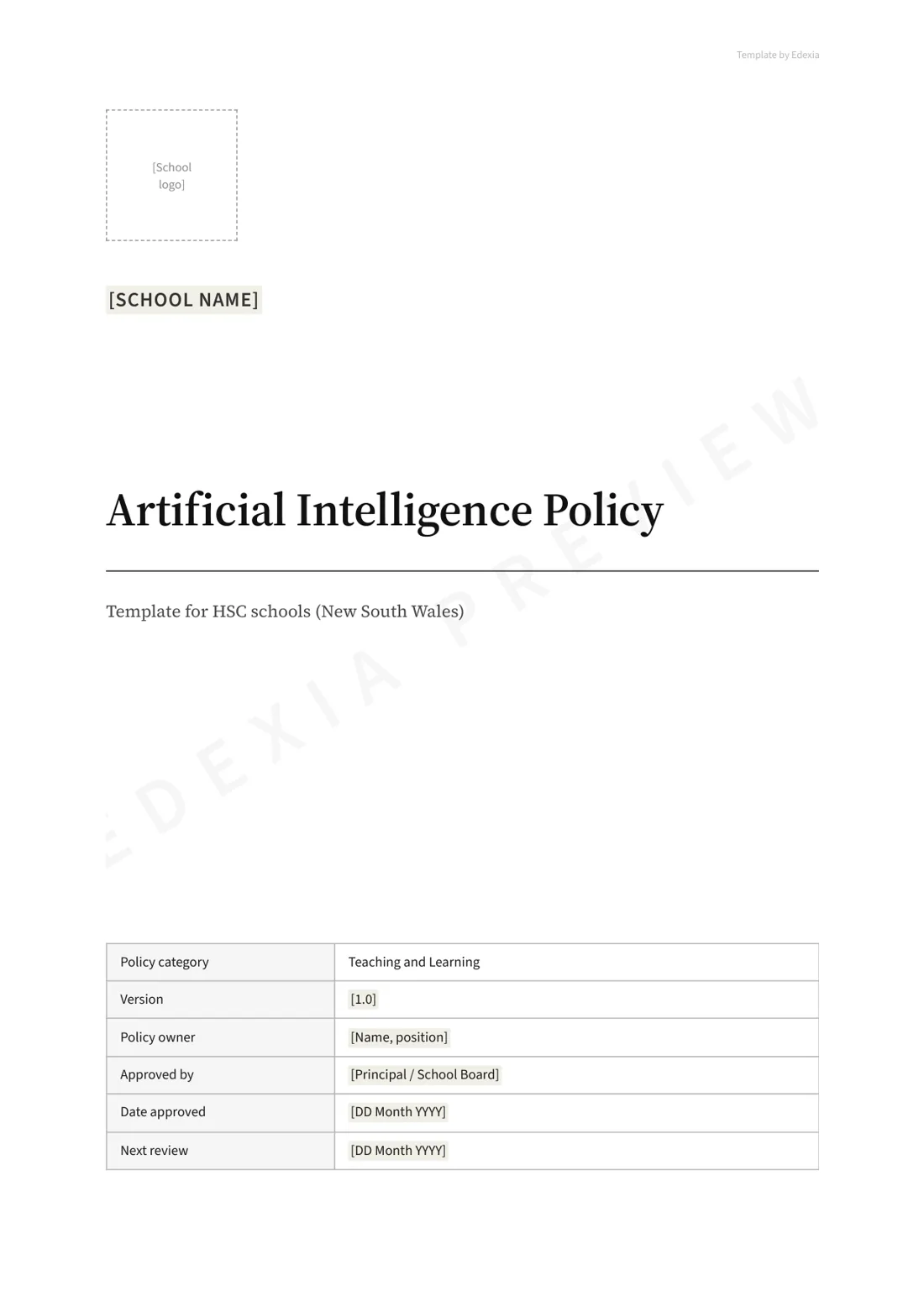
Get the template for your school
We'll email you the full policy as an editable Word document and a PDF, without the watermark.
Learn how other schools are approaching AI policyTrusted by 50+ schools around Australia


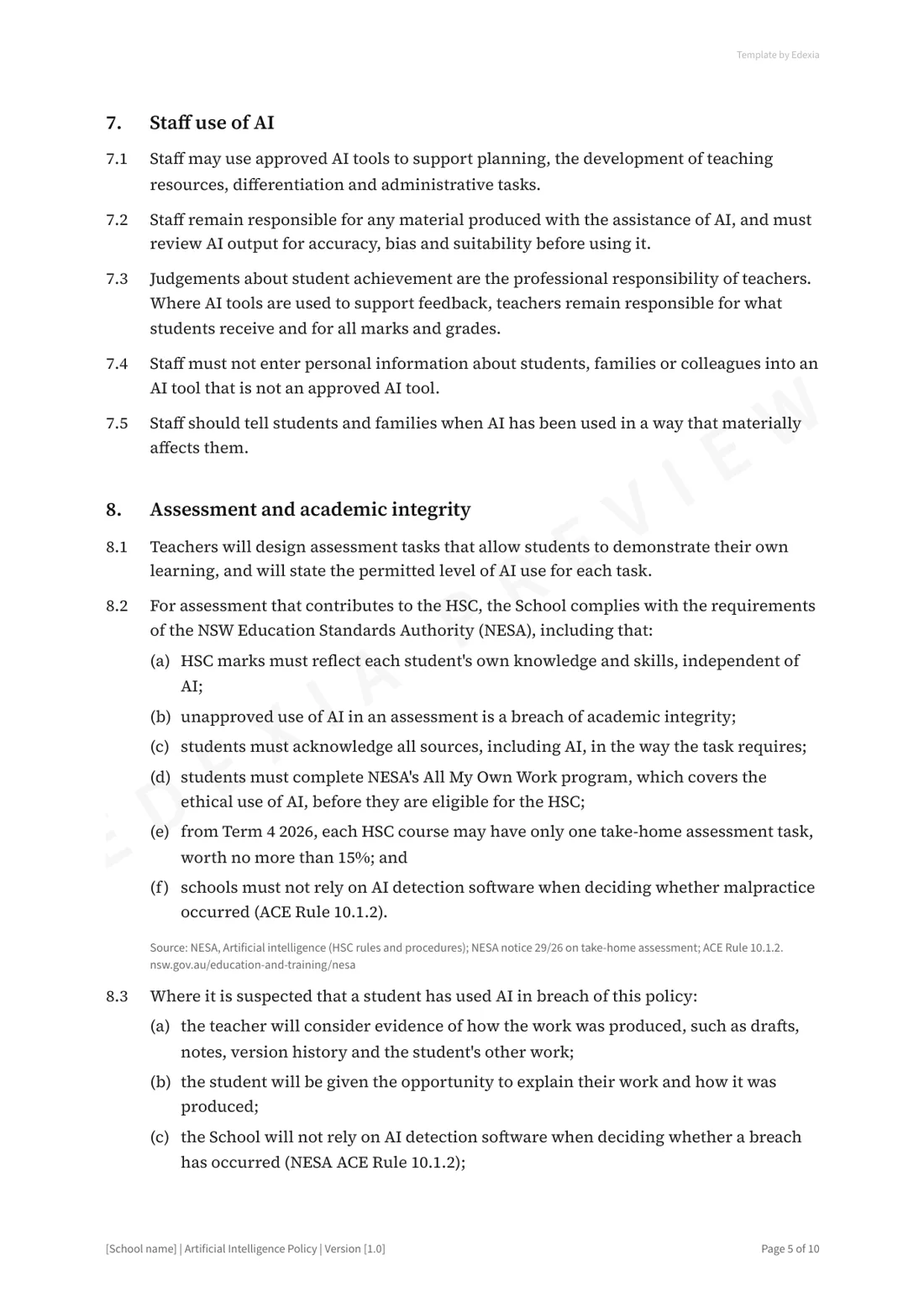
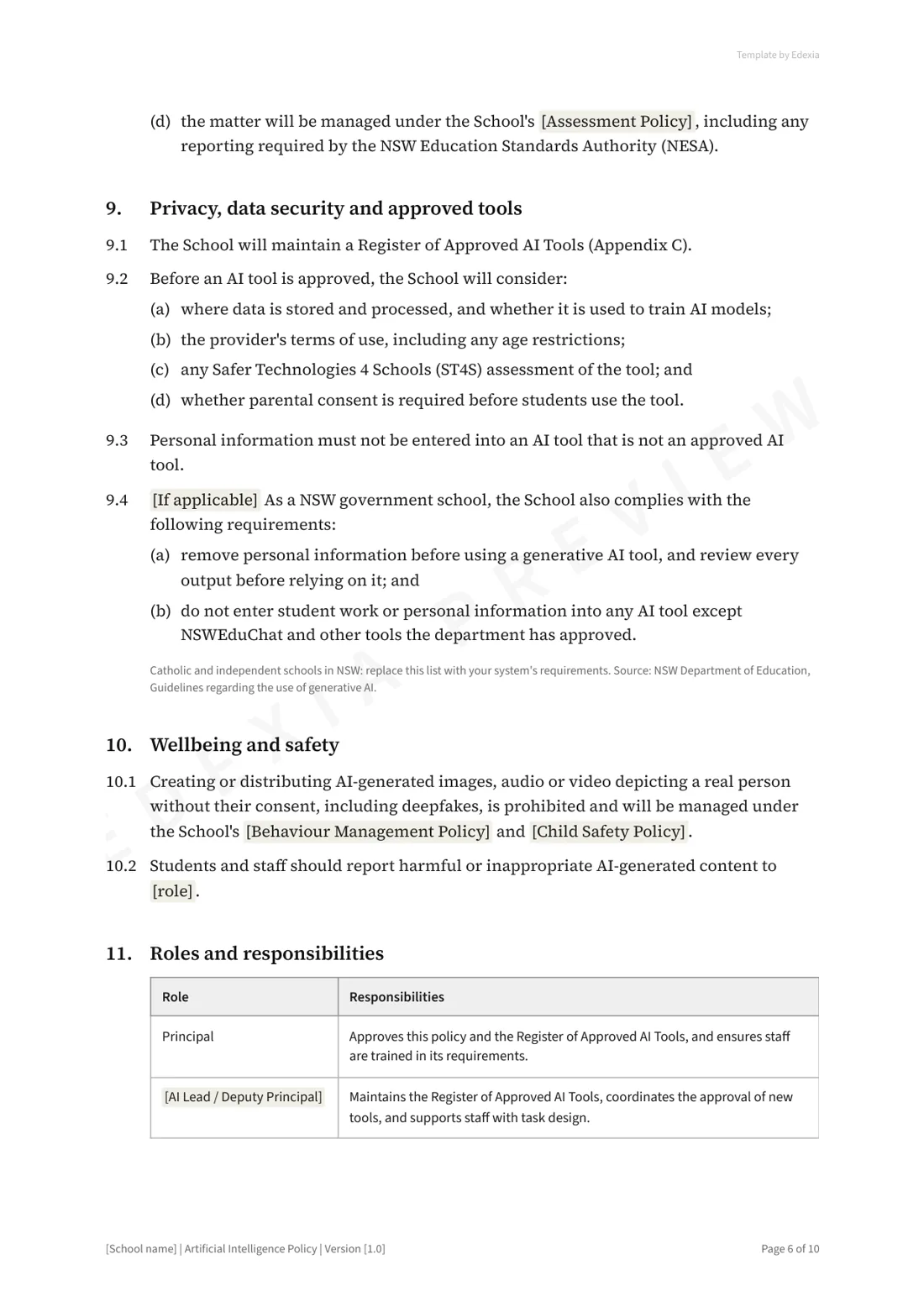
What NESA requires
- HSC marks must reflect each student's own knowledge and skills, independent of AI.
- Using AI where it is not approved is a breach of academic integrity.
- Students must acknowledge all sources, including AI.
- Students must complete All My Own Work, which now covers the ethical use of AI, to be eligible for the HSC.
- From Term 4 2026, each HSC course may have only one take-home assessment task, worth no more than 15%.
- Schools must not rely on AI detection software when deciding whether malpractice occurred (ACE Rule 10.1.2).
NSW government schools
- Personal information is removed before using a generative AI tool, and every output is reviewed before it is relied on.
- Student work and personal information go only into NSWEduChat and other tools the department has approved.
Catholic and independent schools set their own requirements, and the template marks this clause for them to replace.
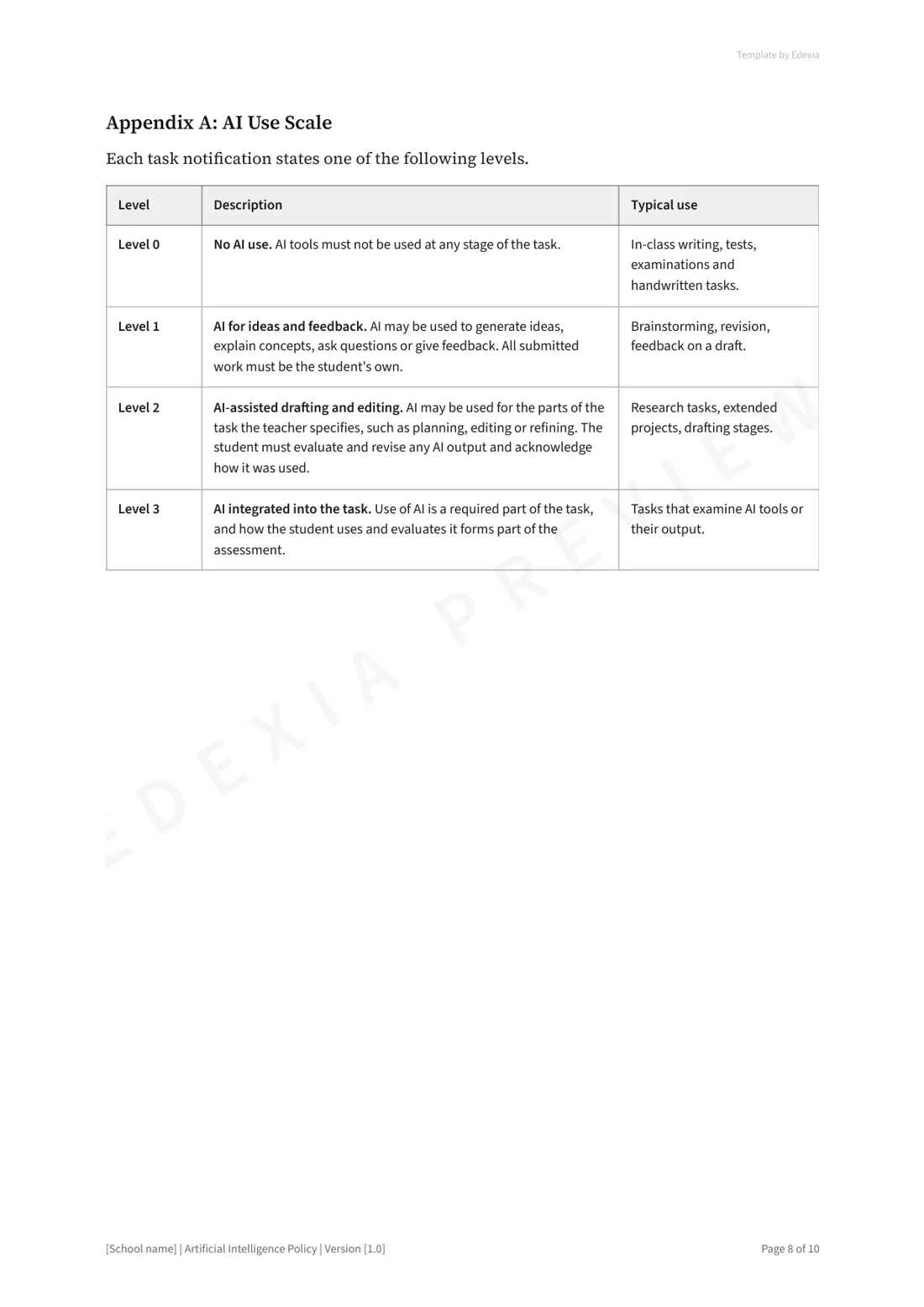
An AI level for every task
Whether AI is allowed depends on the task, so every task sheet states one of four levels. Where no level is stated, no AI use is permitted.
- Level 0
No AI use
AI tools must not be used at any stage. Typical for in-class writing, tests, exams and handwritten work.
- Level 1
AI for ideas and feedback
AI may be used to generate ideas, explain concepts, ask questions or give feedback. All submitted work is the student's own.
- Level 2
AI-assisted drafting and editing
AI may be used for the parts of the task the teacher specifies, such as planning or editing. The student revises any AI output and acknowledges how it was used.
- Level 3
AI integrated into the task
Using AI is a required part of the task, and how the student uses and evaluates it is assessed.
What the policy covers
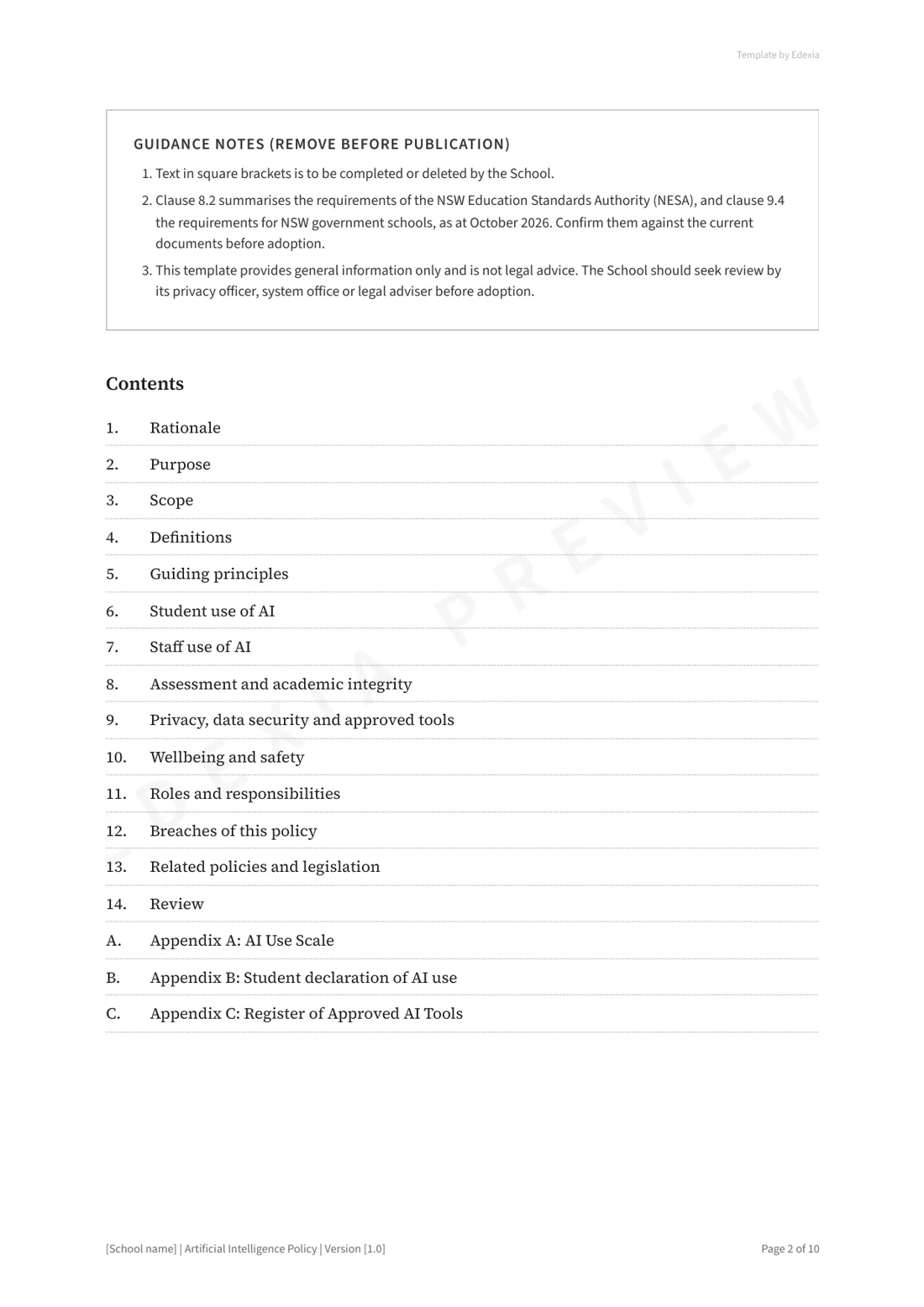
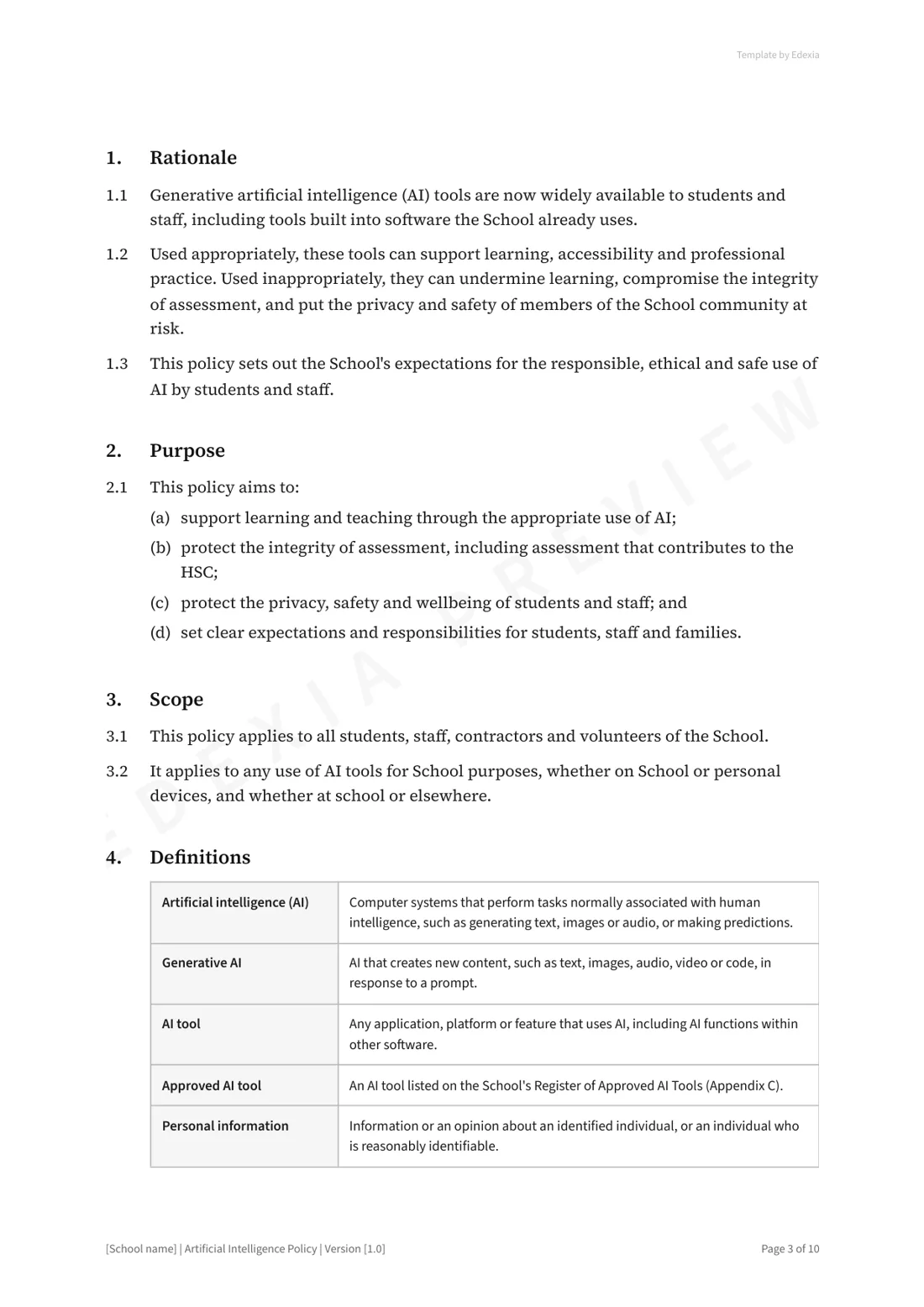
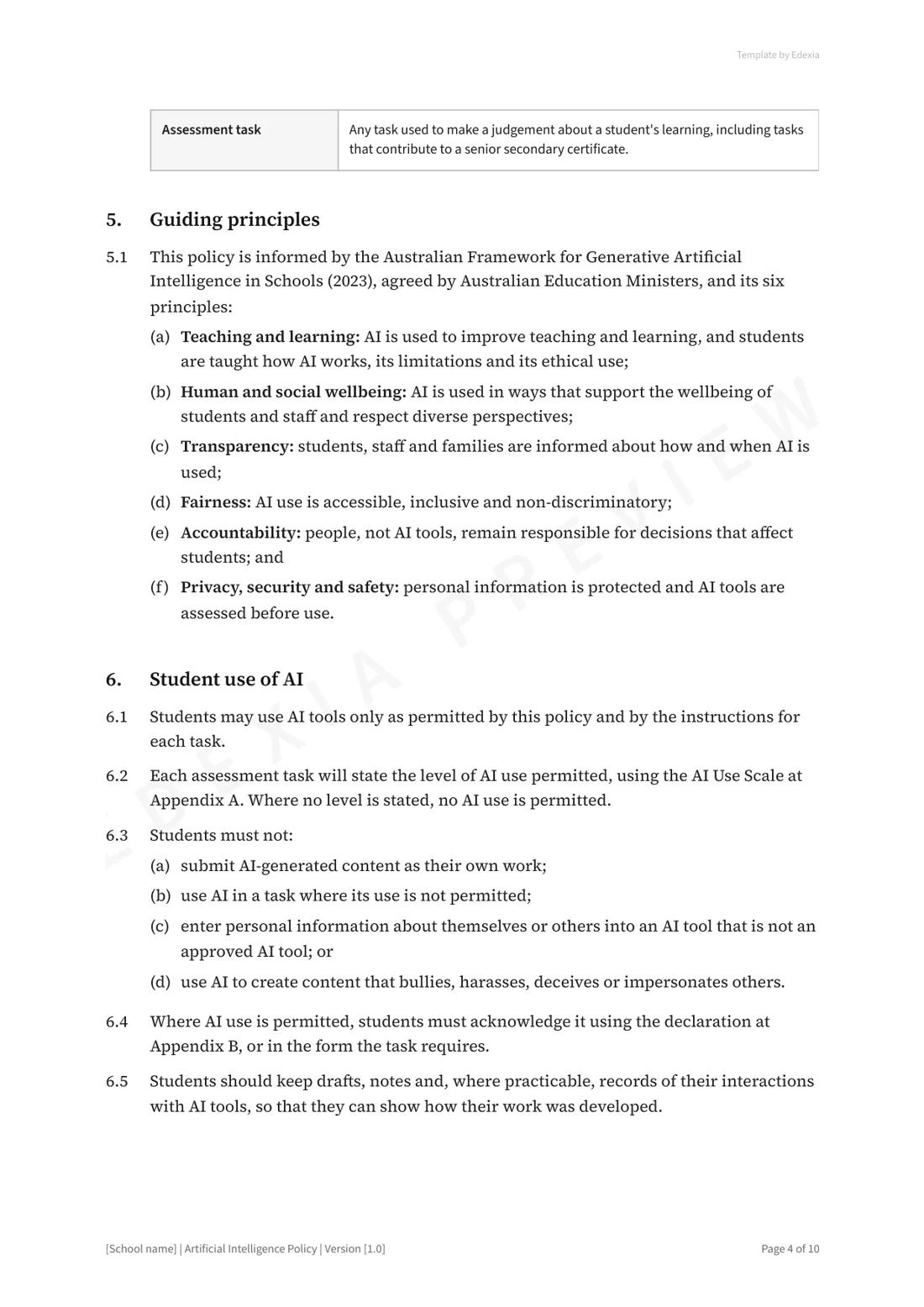
- Rationale, purpose, scope and definitions
- Student use of AI, with an AI level for every task
- Staff use of AI
- Assessment and academic integrity, including how suspected misuse is handled
- Privacy, data security and a register of approved tools
- Wellbeing and safety, including deepfakes
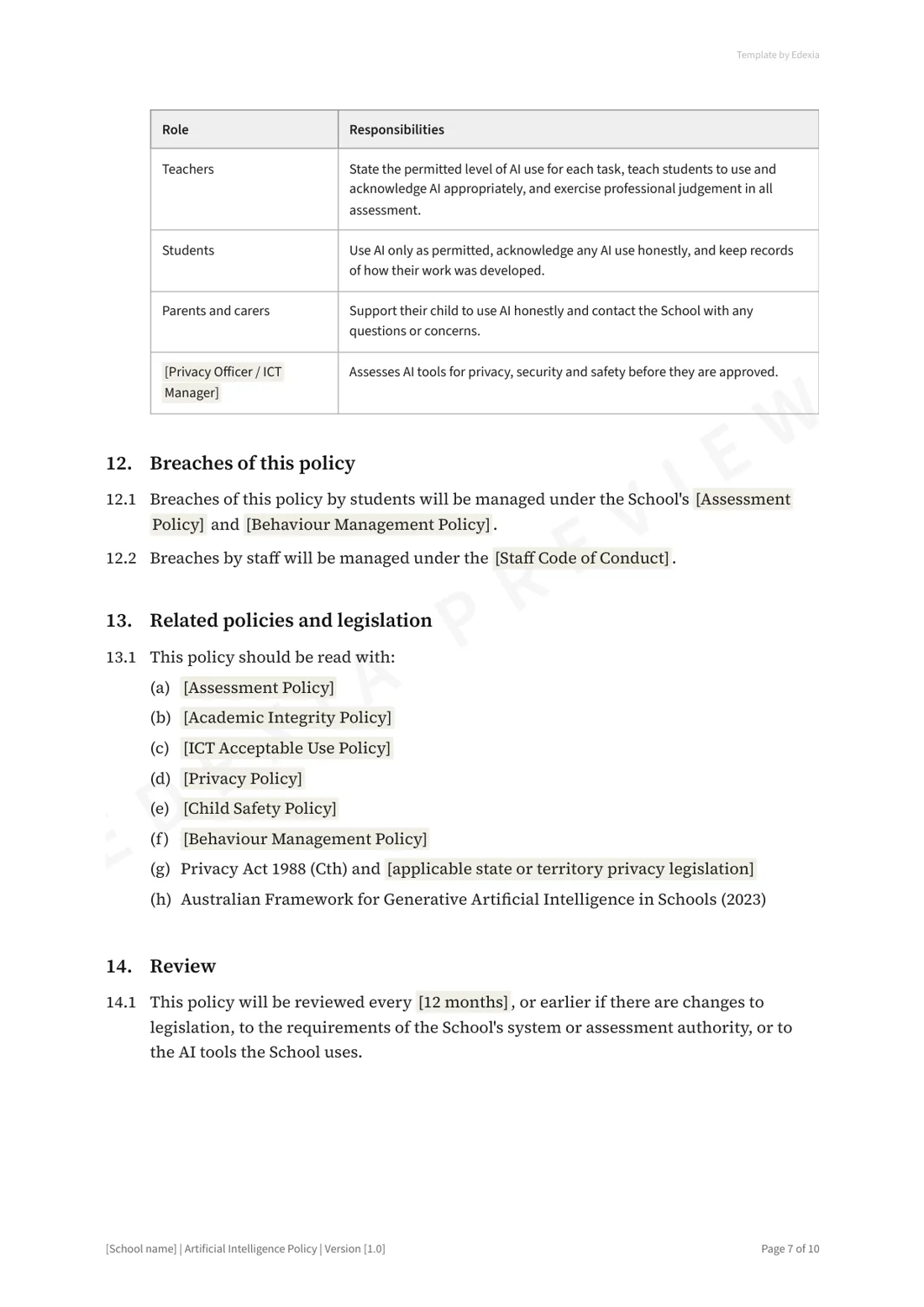
- Roles and responsibilities, breaches, related policies and review
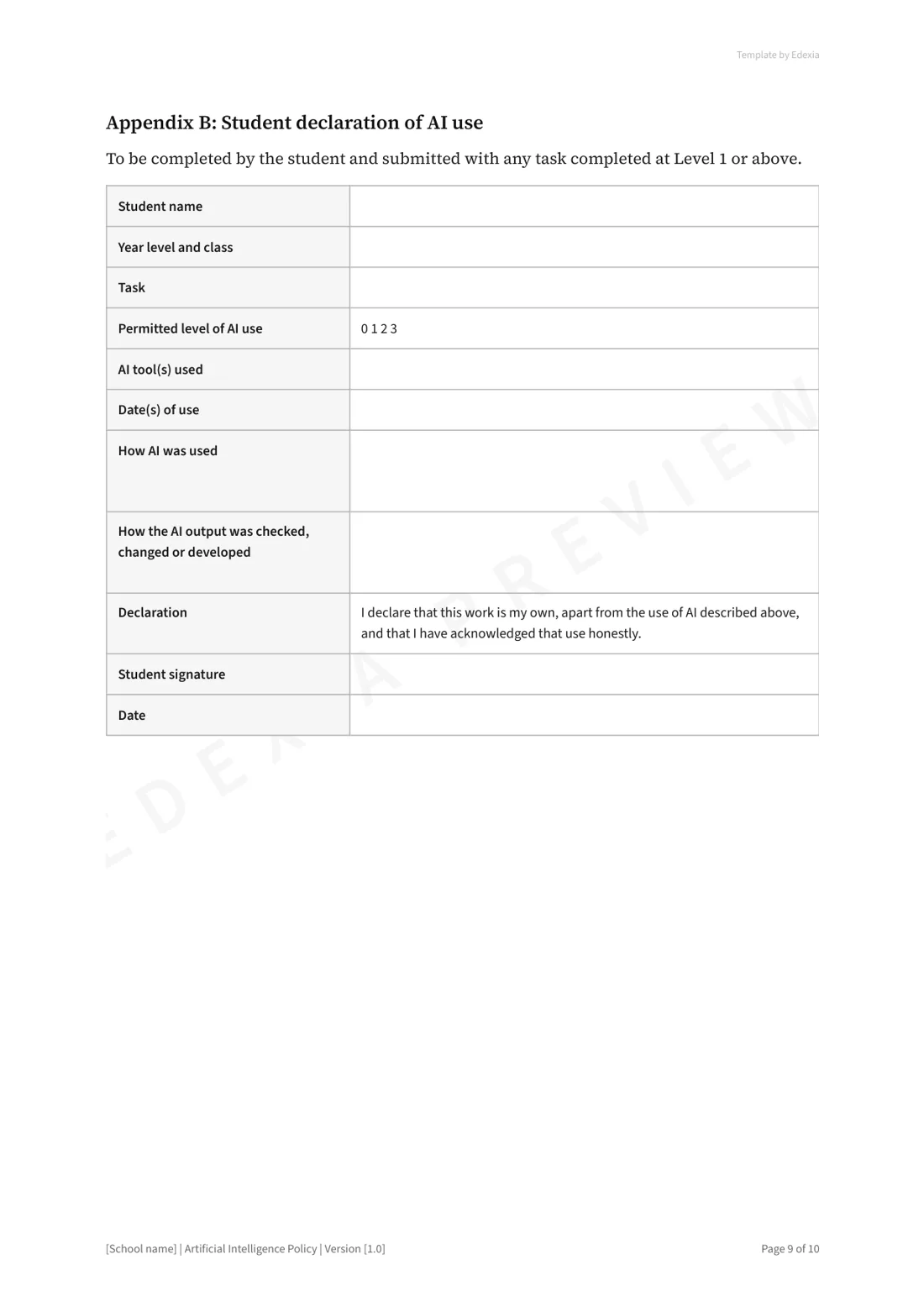
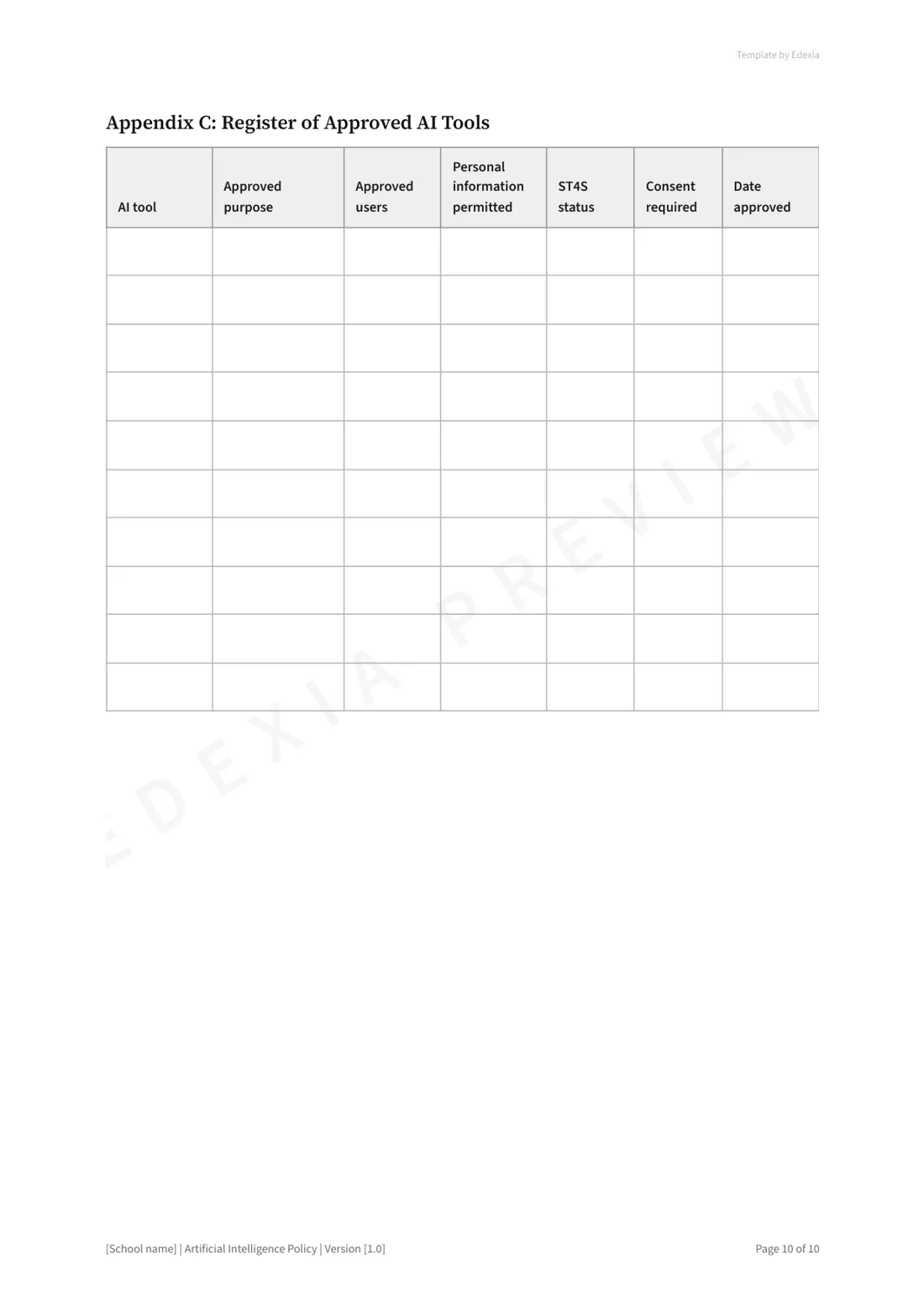
- Appendices: the AI Use Scale, a student declaration of AI use, and the tools register
Rolling it out
- Complete the fields in square brackets and your system's requirements.
- Ask a few teachers to set an AI level on their next task, and fix what was unclear.
- Talk to students before you publish.
- Send families a short summary of the AI levels.
- Train staff, and review the policy after one term.
Sources: NESA, Artificial intelligence · NESA, New take-home assessment rules · NESA, ACE Rule 10 · NSW Department of Education, Generative AI guidelines · Australian Framework for Generative AI in Schools. The template is general information, not legal advice. Edexia is independent and is not affiliated with or endorsed by VCAA, NESA, QCAA, SCSA, the SACE Board, TASC, the BSSS, the NT Board of Studies, the IB, College Board or any education department.
Want someone to look over your draft?
We review AI policies for schools at no cost. Send us your draft and we'll talk it through with you.